Age verification popup
Torquex includes overlay sections that live in the Popups and drawers group rather than on a normal template. The Age verification popup appears above the storefront on every page.
To edit it, open Customize, then in the section list open the Popups and drawers group. The age gate ships disabled by default; enable it there when you need it.
A full-screen age gate that blocks the store behind a modal until the visitor confirms they meet your minimum age. The visitor’s choice is remembered in their browser, so it only appears once.
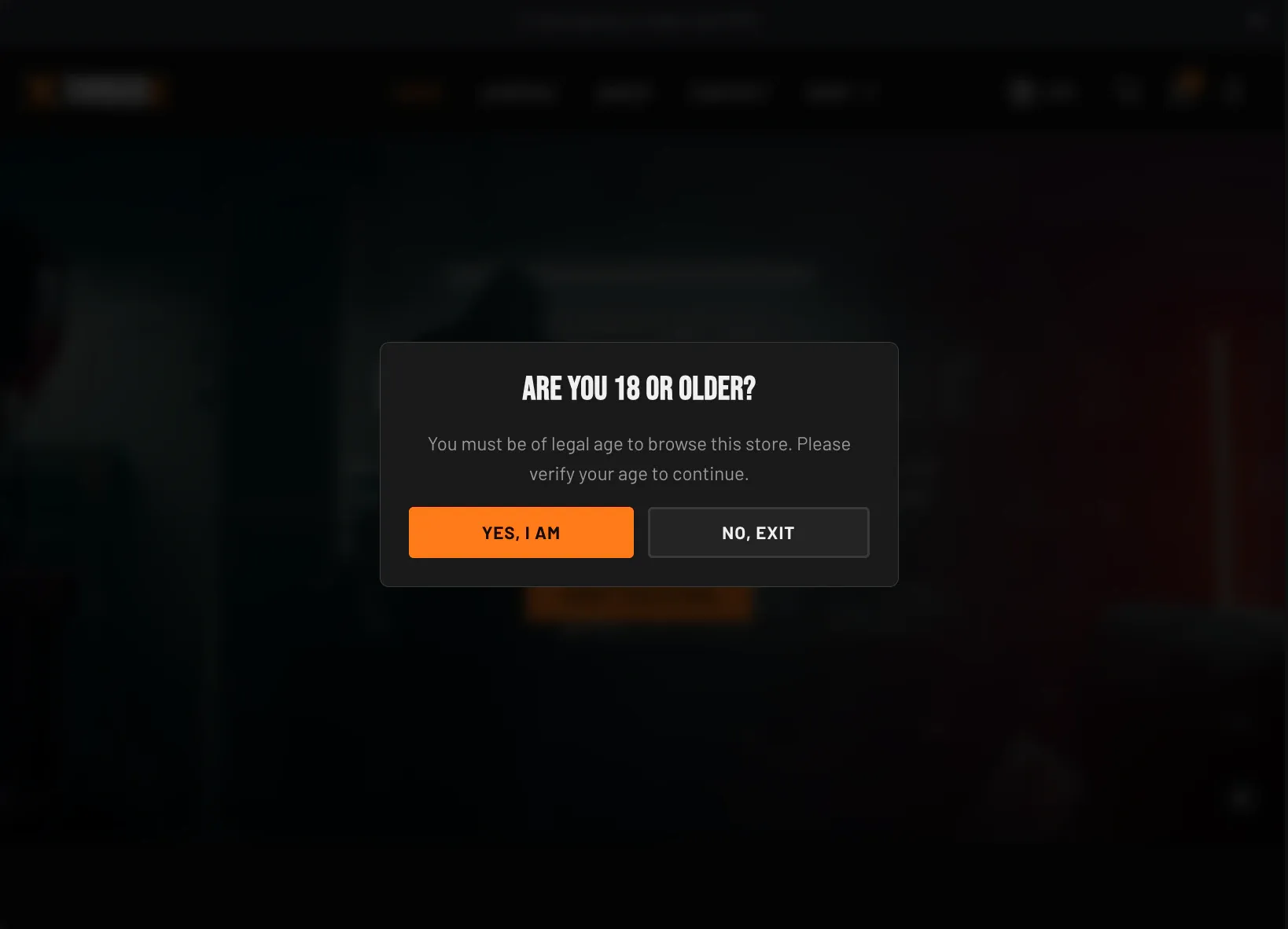
Logo and content — in the section’s settings:
| Setting | What it does | Default |
|---|---|---|
| Logo | Optional logo/image shown at the top of the gate. | None |
| Logo size | Maximum logo width, 40–240 px. | 160 px |
| Heading | The gate’s headline (for example, Are you 18 or older?). | (theme default copy) |
| Text | Supporting body copy. | (theme default copy) |
| Confirm button label | Label for the “I meet the age” button. | (theme default copy) |
| Decline button label | Label for the “I don’t” button. | (theme default copy) |
Behavior — what happens when a visitor declines:
| Setting | What it does | Default |
|---|---|---|
| When a visitor declines | Show a message (replaces the prompt with your text and keeps them on the page) or Redirect to a URL. | Show a message |
| Declined message | The message shown to a visitor who declines. Shown only when the decline action is Show a message. | (theme default copy) |
| Redirect URL | Where declining visitors are sent. Accepts a full external URL (for example, a search engine). Shown only when the decline action is Redirect to a URL. | None |
| Color scheme | The gate’s color scheme. | Scheme 2 |
Related: Newsletter popup · Cart drawer · Torquex support replies within 12 hours.