Before / after slideshow
A drag-to-compare image slider that wipes between a “before” and an “after” image — ideal for showing a stock-versus-modified build.
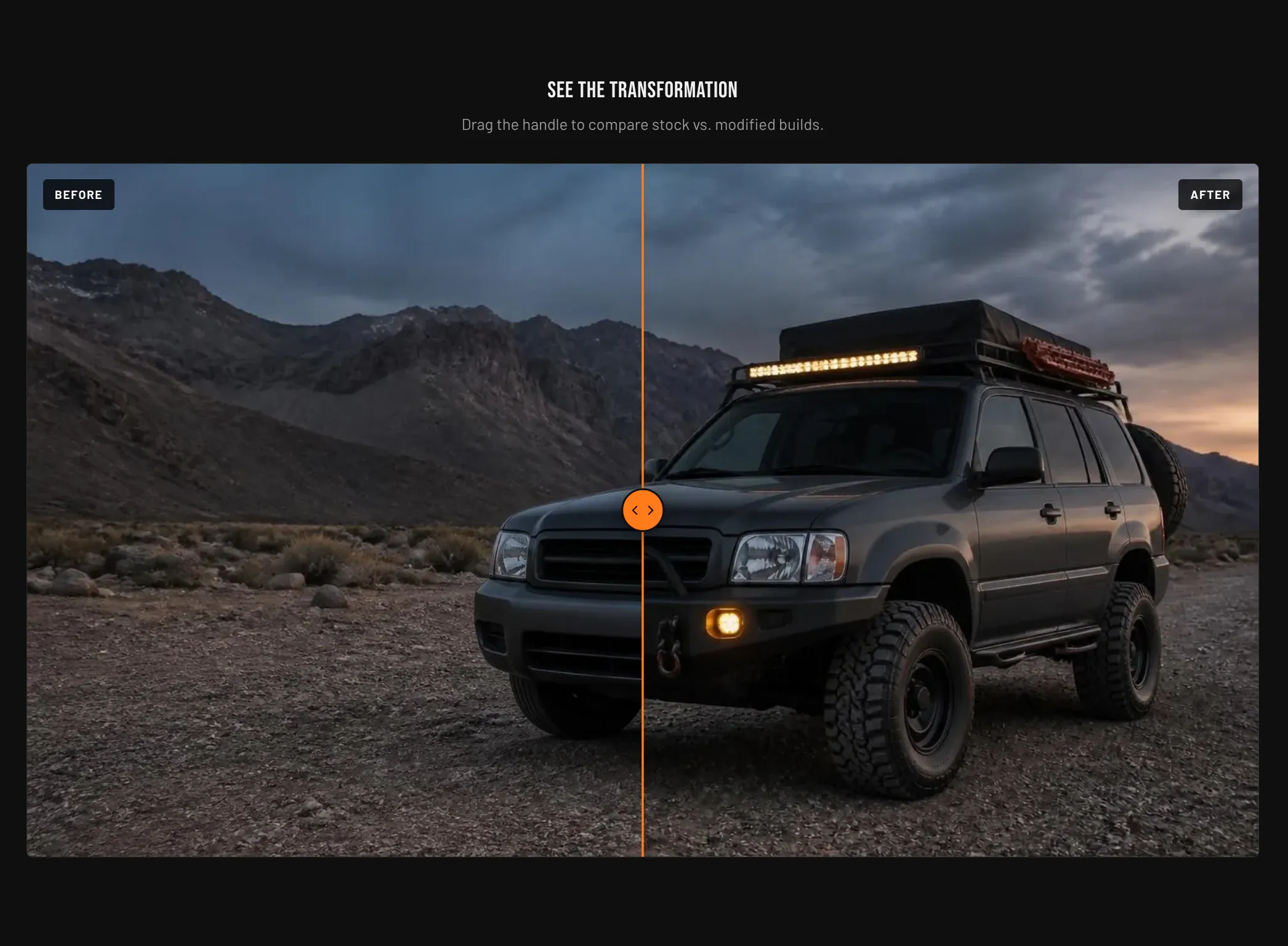
Key settings (in the section’s settings):
| Setting | What it does | Default |
|---|---|---|
| Before image / Before label | The first image and its label. | label “Before” |
| After image / After label | The second image and its label. | label “After” |
| Initial slideshow position | Where the divider starts, 10–90%. | 50% |
| Heading | Headline above the comparison. | ”See the transformation” |
| Subheading | Supporting line beneath the heading. | ”Drag the handle to compare stock vs. modified builds.” |
| Top padding / Bottom padding | Vertical spacing around the section (0–120 px). | 80 px each |
Blocks: none.
When to use it: Demonstrate a visual transformation — before and after an upgrade, a wrap, or a full build. Drag works with mouse, touch, and keyboard for accessibility.
Related: Video section · Image with text · Torquex support replies within 12 hours.