Countdown
A countdown timer toward a target date and time, with a heading, subheading, and optional button — built for urgency around a sale or launch.
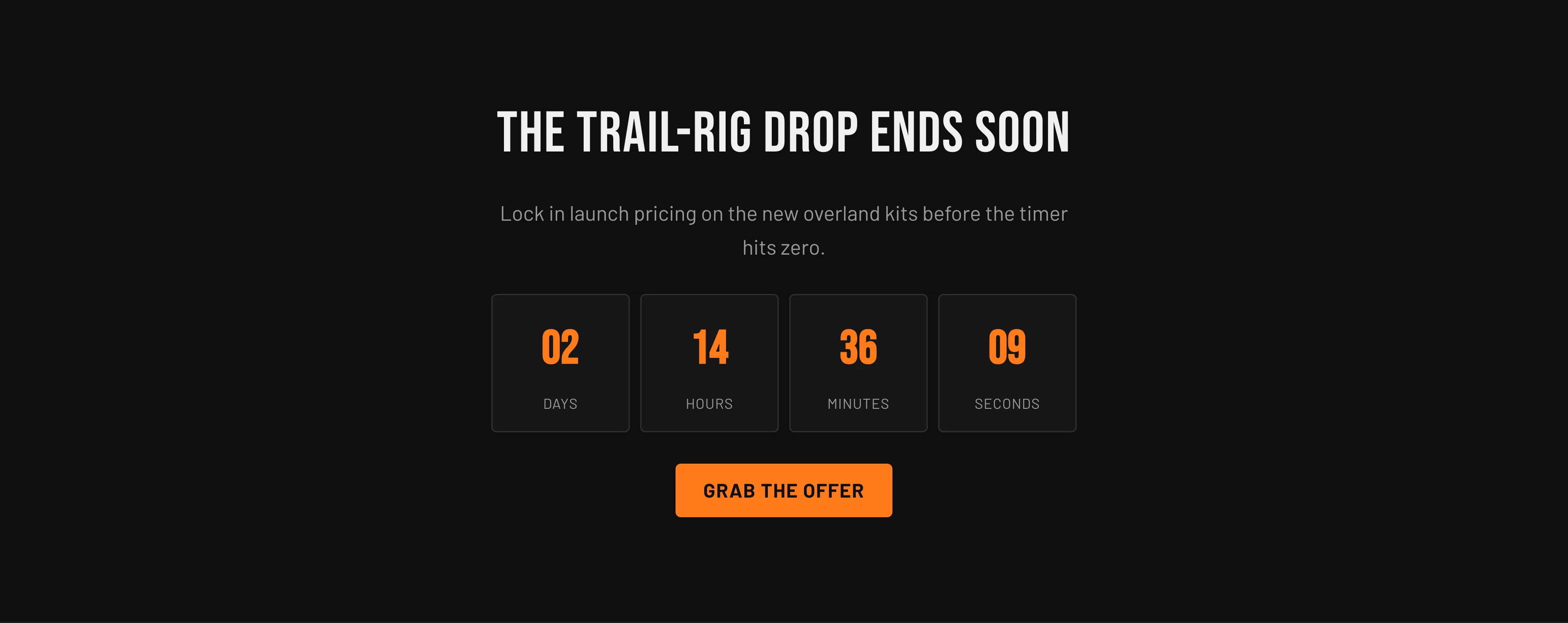
Key settings (in the section’s settings):
| Setting | What it does | Default |
|---|---|---|
| Heading | Headline above the timer. | ”Countdown timer” |
| Subheading | Supporting line beneath the heading. | ”Create urgency around an offer or event!” |
| Show countdown timer | Toggle the timer on or off. | On |
| Target date | The date to count to, format YYYY-MM-DD. | 2026-12-31 |
| Target time | The time to count to, 24-hour HH:MM. | 00:00 |
| Time zone | GMT offset for the target date/time. | GMT+00:00 (London) |
| Button label / Button link / Button style | Optional call to action (Filled or Outlined). | ”Grab the offer” → /collections/all |
| Color scheme | Section colors. | scheme-1 |
| Top padding / Bottom padding | Vertical spacing around the section (0–120 px). | 80 px each |
When the timer reaches zero, the digit cells are replaced by a short “ended” message so the section never shows a stalled countdown.
Blocks: none.
When to use it: Drive action toward a fixed deadline — a flash sale, a product drop, or an event. For marketing patterns built around it, see Sections overview.
Related: Newsletter · Promo strip · Torquex support replies within 12 hours.