Newsletter popup
Torquex includes overlay sections that live in the Popups and drawers group rather than on a normal template. The Newsletter popup appears above the storefront on every page.
To edit it, open Customize, then in the section list open the Popups and drawers group.
A modal that promotes a signup or a call-to-action. It can collect emails (using the same newsletter tag as the Newsletter section) or, instead, show a button linking anywhere you choose. You control when it opens and how often a visitor sees it.
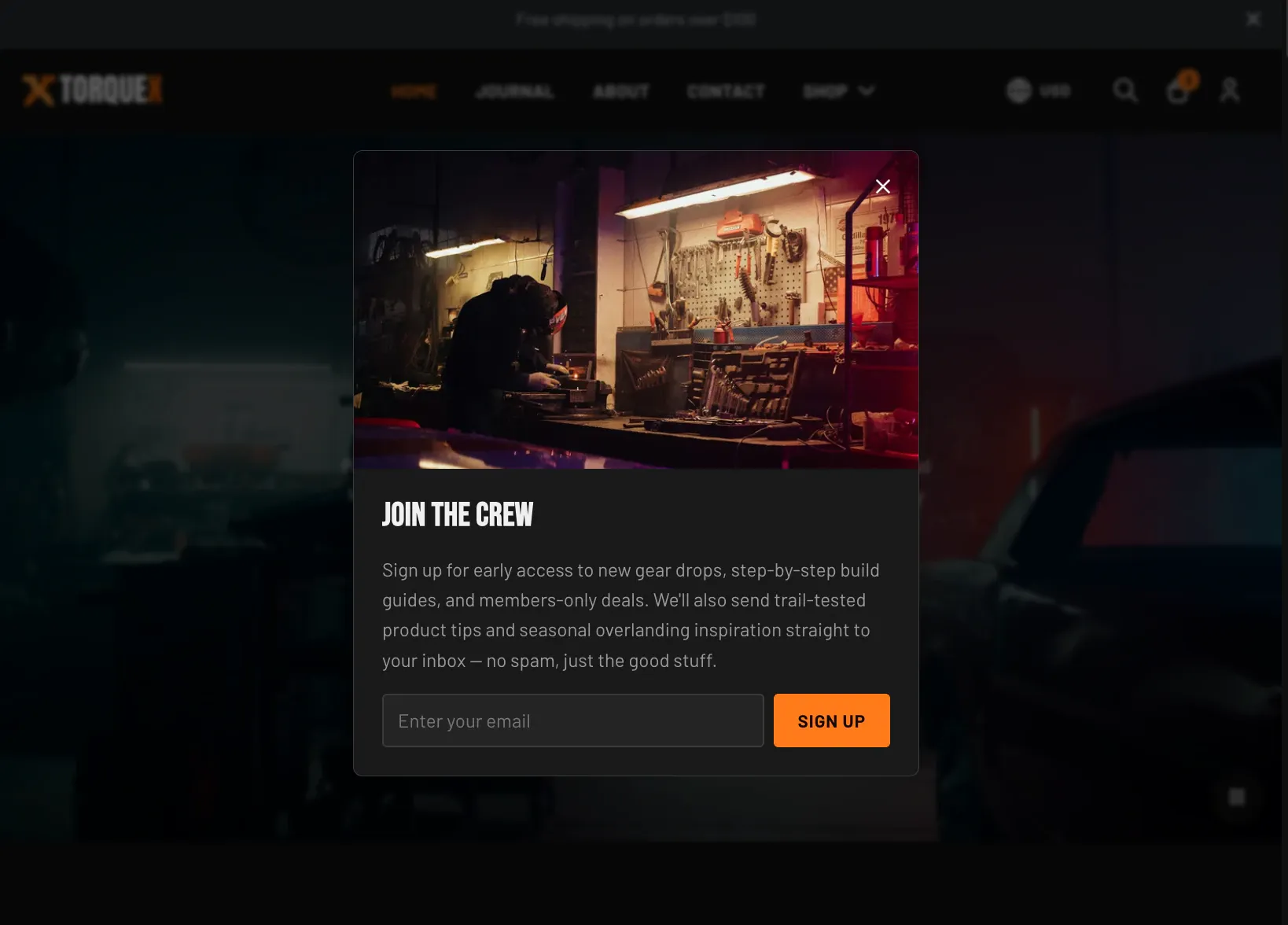
Content and signup — set these in the section’s settings:
| Setting | What it does | Default |
|---|---|---|
| Image | Optional image shown in the popup. | None |
| Heading | The popup headline. | (theme default copy) |
| Description | Body text under the heading. | (theme default copy) |
| Show email signup form | When on, the popup collects an email and tags it newsletter. When off, the button fields below appear instead. | On |
| Button label | Button text. Shown only when the signup form is turned off. | None |
| Button link | Where the button goes. Shown only when the signup form is turned off. | None |
Behavior — when and how often the popup opens:
| Setting | What it does | Default |
|---|---|---|
| Open trigger | On page load, After a delay, After scrolling (opens once the visitor scrolls roughly 40% of the way into the page, when the bottom of the viewport passes the 40% mark), or On exit intent (opens when the cursor leaves toward the browser chrome, or when the visitor switches to another tab or app and the window loses focus). | On exit intent |
| Delay | How long to wait before opening, 1–30 seconds. Shown only when the trigger is After a delay. | 5 s |
| Show frequency | Once per visitor (remembered across visits), Once per session, or Every page load. | Once per visitor |
| Show on mobile | Allow the popup on screens under 750 px wide. | On |
Layout:
| Setting | What it does | Default |
|---|---|---|
| Color scheme | The popup’s color scheme. | Scheme 2 |
| Image position | Top (image above the content) or Side (image beside the content on wider screens). Shown only when an image is set. | Top |
Related: Newsletter · Age verification popup · Cart drawer · Torquex support replies within 12 hours.