Hero banner
A full-bleed banner, usually the first thing visitors see. It overlays a heading, subheading, and one button on a color, image, or video background.
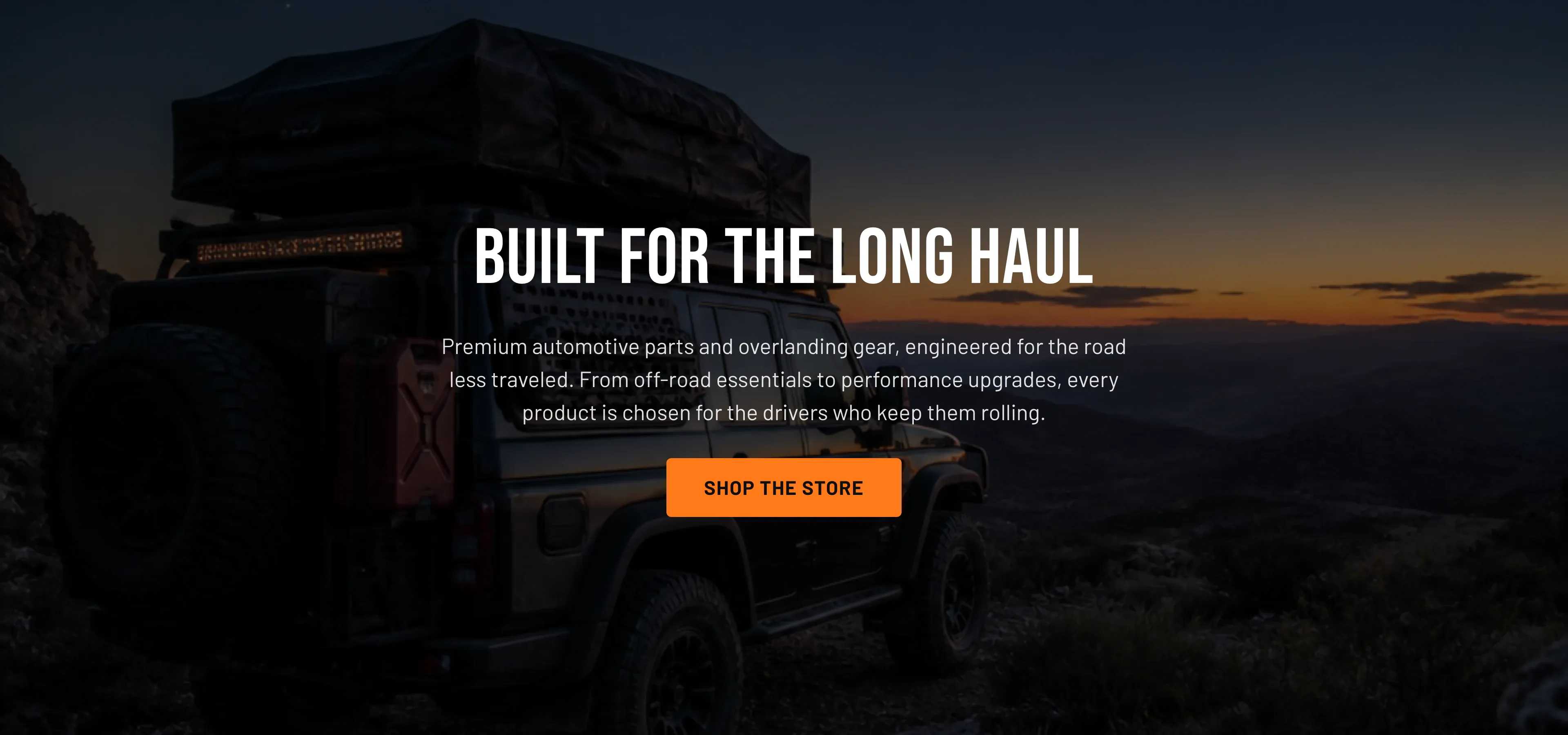
What it does: Sets the tone of the homepage and points visitors to a primary destination (a collection, a sale, or the catalog).
Key settings (in the section’s settings):
| Setting | What it does | Default |
|---|---|---|
| Type | Background source: Color, Image, or Video. “Color” uses the selected color scheme’s background. | Video |
| Background image / Background image alt text | The image and its alt text when Type is Image. | — |
| Background video (Shopify-hosted) | A video uploaded to Shopify; plays silently and inline. Preferred over a URL. | — |
| Background video URL (YouTube / Vimeo) | A YouTube or Vimeo link, used only when no Shopify-hosted video is set. | — |
| Fallback image | Shown while the video loads or if it can’t autoplay. | — |
| Overlay opacity | Darkens the media (0–90%) so text stays legible. | 50% |
| Heading | The banner headline. | ”Built for the long haul” |
| Subheading | Supporting copy beneath the heading. | ”Premium automotive parts and overlanding gear…” |
| Button label / Button link / Button style | The call-to-action. Style is Filled or Outlined. | ”Shop the store” |
| Content position | Aligns the text block Left, Center, or Right. | Center |
| Text color | Light (on dark image) or Dark (on light image) — pick Dark when the image is light enough that white text loses contrast. | Light |
| Minimum height | Banner height, 300–900px. | 600px |
| Color scheme | Section colors. | scheme-1 |
Blocks: none — the hero banner holds a single heading/subheading/button set, not repeating blocks.
When to use it: Use one hero banner at the top of the homepage for a single, focused message. If you want several rotating messages, use the Hero slideshow instead.
Related: Hero slideshow · Homepage · Torquex support replies within 12 hours.