Trust badges
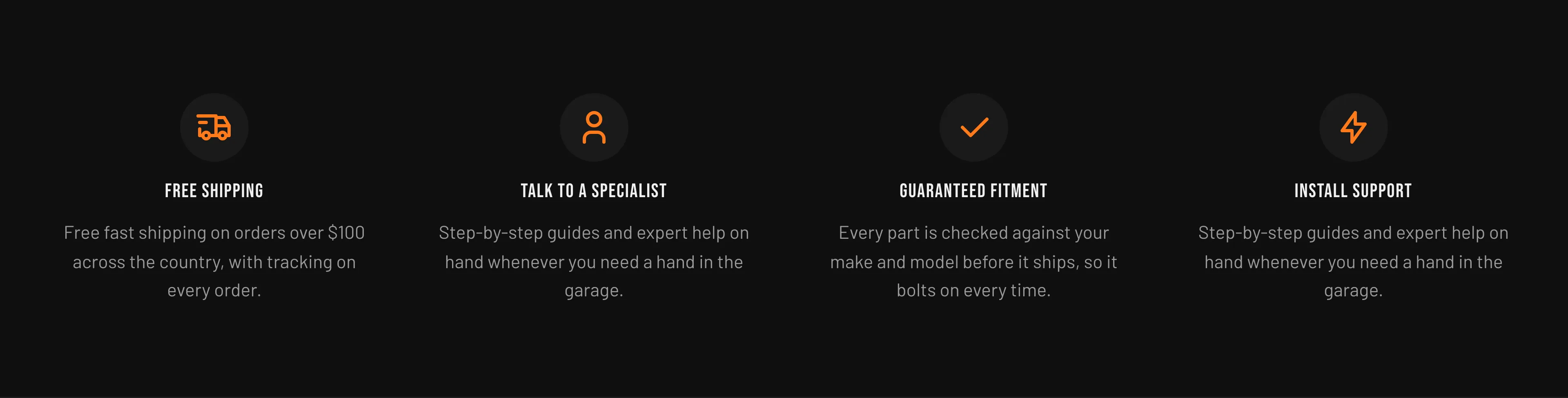
The Trust badges (the Trust badges section) is a row of reassurance tiles — for example free shipping, guaranteed fitment, install support, and talk to a specialist. It is a content section you add and arrange wherever you like (commonly below the product details or on the homepage), and it is built from Trust badge blocks.
Section settings (the section’s settings):
| Setting | What it does | Default |
|---|---|---|
| Heading | Optional heading shown above the badges. Leave blank to hide it. | — |
| Color scheme | The color scheme applied to the section. | Scheme 1 |
| Columns (desktop) | Number of badge columns on desktop (2–4). On tablet the grid is two columns and on mobile it stacks to one. | 4 |
| Padding top / Padding bottom | Vertical spacing above and below the section (0–120 px). | 40 / 40 px |
Each Trust badge block (the block’s settings):
| Setting | What it does | Default |
|---|---|---|
| Icon | The icon shown in the badge. Options: Truck, Wrench, Bolt, Check, Star, Share, User, Eye. | Truck |
| Heading | The badge title (for example, “Free shipping”). | Free shipping |
| Body | Rich-text supporting copy beneath the heading. | On orders over $100, lower 48 states. |
The icons you can choose from:
Add, remove, and reorder badges from the section. When you first add the section it comes preset with four badges (Free shipping, Guaranteed fitment, Install support, Talk to a specialist) that you can edit or replace.
Related: Cart · Sections overview · Torquex support replies within 12 hours.