Video section
A video presented as a background or with a cover image, overlaid with a heading, subheading, and optional button.
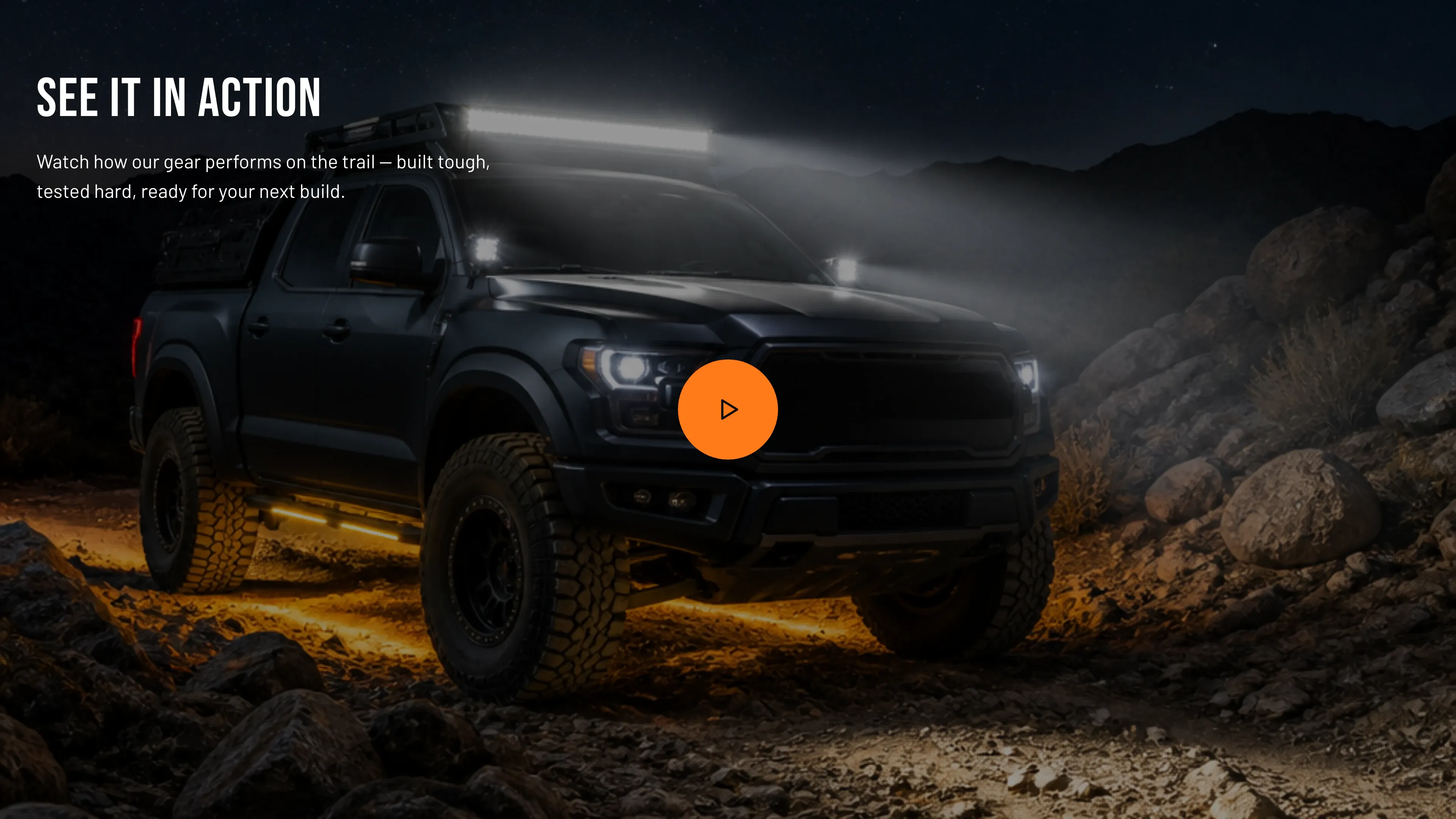
Key settings (in the section’s settings):
| Setting | What it does | Default |
|---|---|---|
| Background video (Shopify-hosted) | A video uploaded to Shopify. | — |
| Background video URL (YouTube / Vimeo) | A YouTube or Vimeo link. | — |
| Cover image | Image shown before/behind the video. | — |
| Autoplay video | Start playing automatically. | Off |
| Loop video | Replay when it ends. | On |
| Overlay opacity | Darkens the video so text stays legible, 0–90%. | 35% |
| Heading | Overlaid headline. | ”See it in action” |
| Subheading | Overlaid supporting copy. | ”Watch how our gear performs on the trail…” |
| Button label / Button link | Optional call to action. | — |
| Text color | Light or Dark, depending on how light your media is. | Light |
| Color scheme | Section colors. | scheme-1 |
| Top padding / Bottom padding | Vertical spacing around the section (0–120 px). | 80 px each |
Blocks: none.
When to use it: Show your gear in action — a trail run, an install walkthrough, or a brand film — with a headline and a button to act on.
Related: Hero banner · Before / after slideshow · Torquex support replies within 12 hours.