Homepage
The homepage is the Default template, assembled from stackable sections. Torquex ships it preloaded with the sections below, in order — replace the demo content, reorder, or remove them. For how sections work in general, see Sections overview.
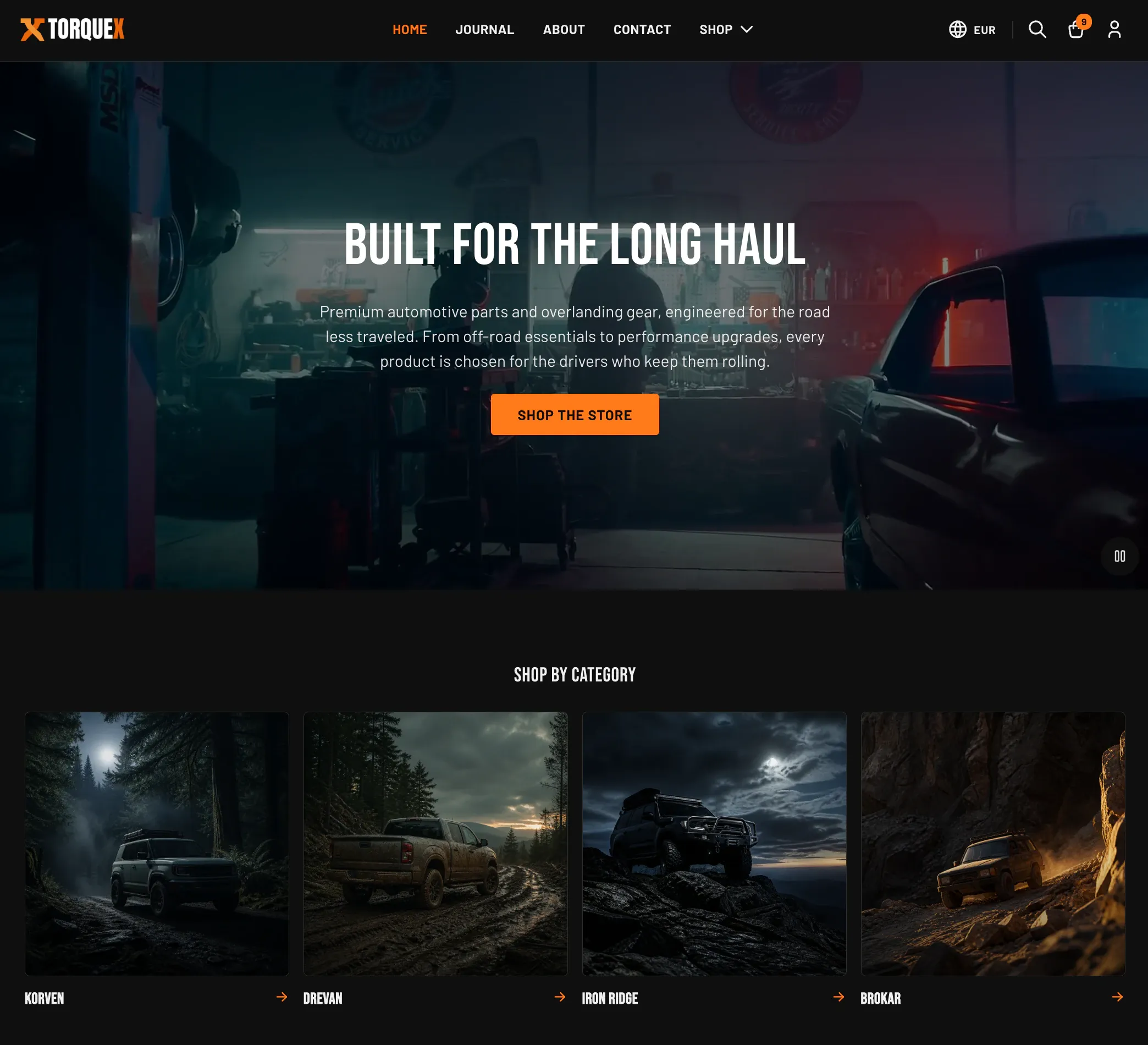
The default homepage
Section titled “The default homepage”When you install Torquex, the Home page template comes preloaded with these sections, in order. Use it as a scaffold — keep the ones that fit your store, replace the demo content, and delete the rest.
- Hero banner — full-width video/image banner with headline and call to action.
- Featured collections — “Shop by category” collection cards.
- Garage banner — prompt to save a vehicle to the garage.
- Bundle promo — promotes a curated kit.
- Bundle builder — interactive kit builder.
- Before / after slideshow — drag-to-compare image slider.
- Reviews showcase — quoted product reviews.
- Featured product — a single product with a full buy box.
- Compare products — side-by-side spec comparison.
- Install difficulty guide — explains install tiers.
- Testimonials — rotating customer quotes with vehicle and rating.
- Video section — background or cover-image video with text.
- Blog posts — latest articles from a blog.
- Contact info — address, phone, email, hours, and an embedded map.
- Newsletter — email signup.
- Trust badges — icon + text reassurance row.
Related: Sections overview · Setup guide · Torquex support replies within 12 hours.