Image with text
A two-column layout pairing one image with a heading, body copy, and a button. The image can sit on the left or right.
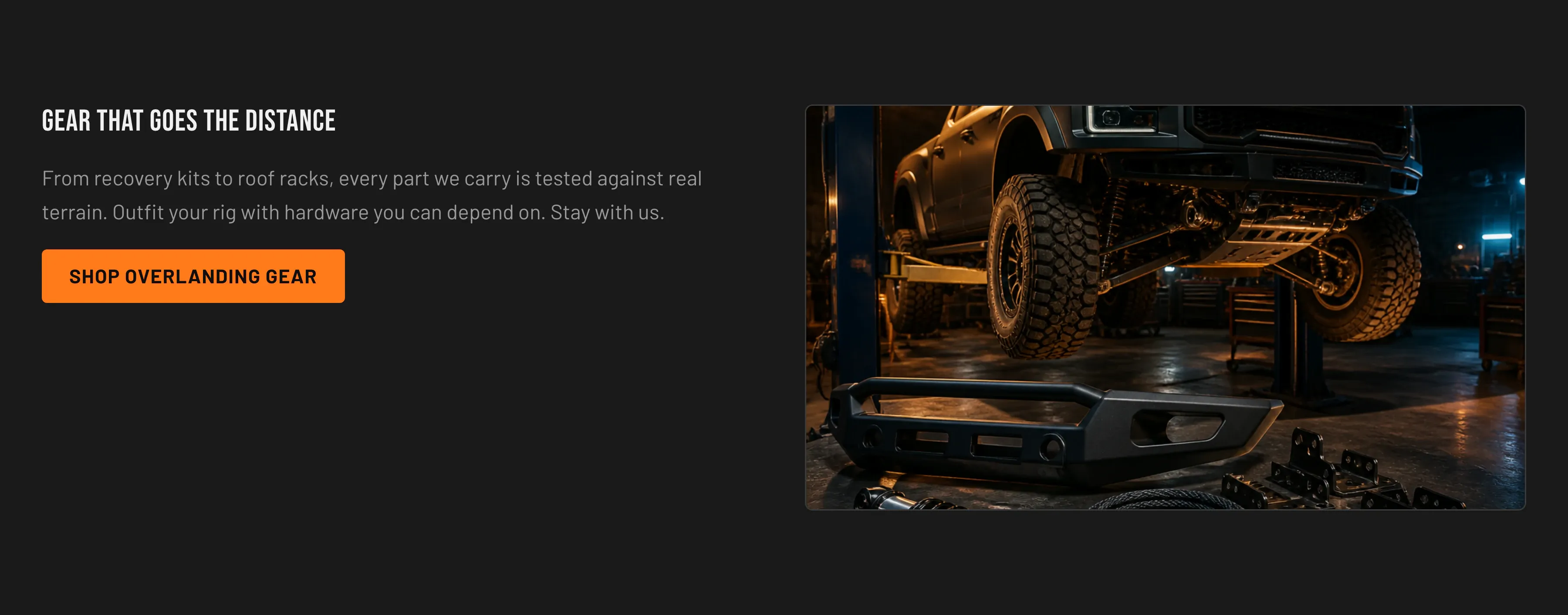
Key settings (in the section’s settings):
| Setting | What it does | Default |
|---|---|---|
| Image | The image to display. | — |
| Image aspect ratio | Square, Portrait, or Landscape. | Landscape |
| Heading | Headline. | ”Gear that goes the distance” |
| Body | Rich-text copy beneath the heading. | ”From recovery kits to roof racks…” |
| Button label / Button link | Optional call to action. | ”Shop overlanding gear” → /collections/all |
| Image position | Left or Right. | Right |
| Color scheme | Section colors. | scheme-2 |
| Top padding / Bottom padding | Vertical spacing around the section (0–120 px). | 80 px each |
Blocks: none.
When to use it: Tell a focused brand or product story that benefits from a single supporting image — for example, an overlanding lifestyle shot next to a short pitch and a shop button.
Related: Rich text · Homepage · Torquex support replies within 12 hours.