Timeline steps
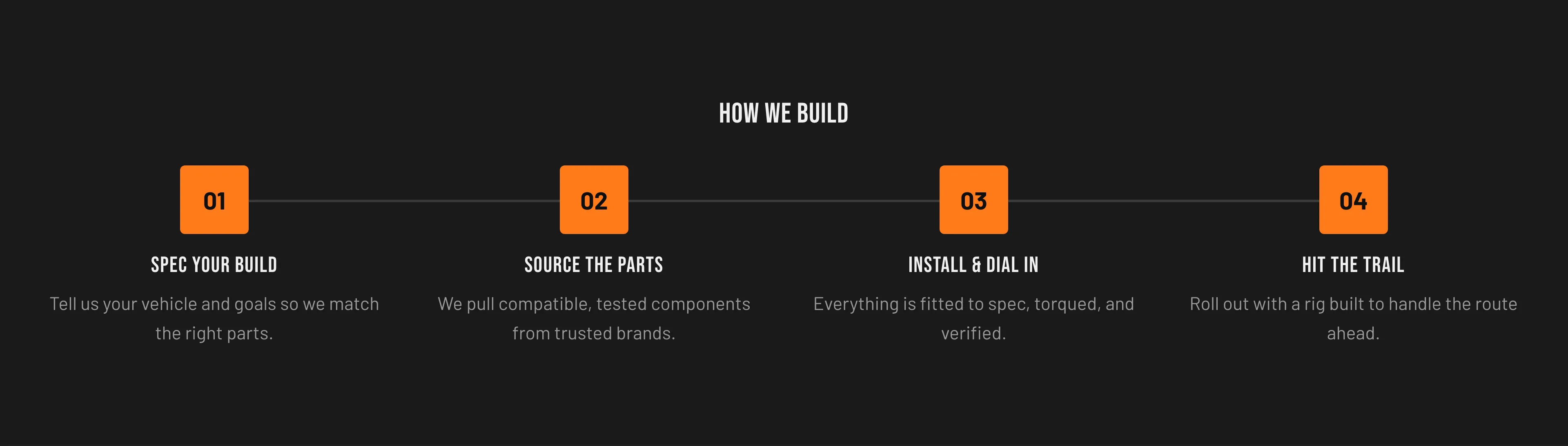
A numbered, sequential list of steps for explaining a process. Each Timeline step block is one step with a heading and body.
Key section settings: Heading and Color scheme.
Timeline step block settings: Heading and Body (rich text).
When to use it: Walk visitors through a “how it works” flow — for example, Spec your build → Source the parts → Install & dial in → Hit the trail.
Related: Multicolumn · Rich text · Torquex support replies within 12 hours.