Flip cards
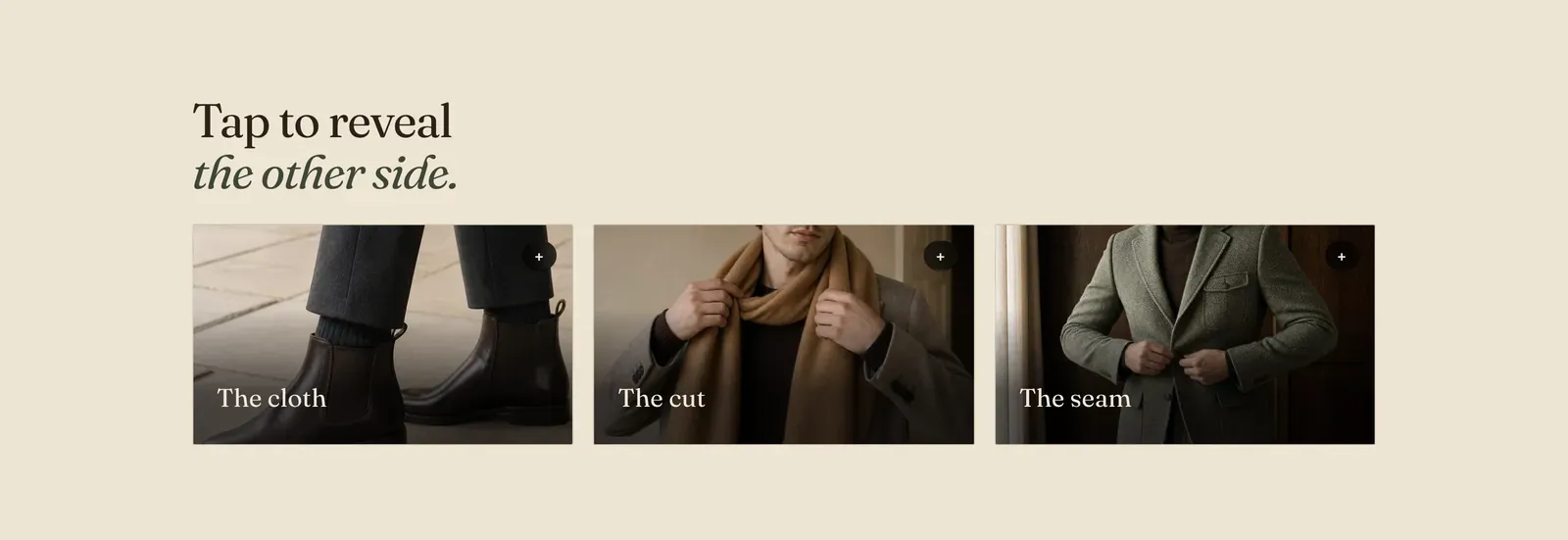
Picture cards with a second side. Each Card block shows a photograph with a short title over it. A tap, a click or the keyboard turns it over to show a sentence on the back.
What it does: Hides the explanation until it is asked for. Three cards reading “The cloth”, “The cut”, “The seam” invite a question, and answer it in place instead of spending three paragraphs of page on it.
Key settings (in the section’s settings):
| Setting | What it does | Default |
|---|---|---|
| Color scheme | Section colors. | scheme-ecru |
| Heading width | Narrow, Normal, Wide, or Full width. | Wide |
| Heading alignment | Left, center, or right. | Left |
| Subheading | An optional small label above the heading. | Empty |
| Heading | The headline. Italicize a word to set it in the emphasis font. | ”Tap to reveal the other side.” |
| Intro text | An optional line under it. | Empty |
| Columns on desktop | 2 to 4. | 3 |
The section also carries a Section spacing group. Pick a Device of Desktop or Mobile, then set Top and Bottom padding from 0 to 200px. Desktop starts at 96px and mobile at 56px.
Blocks: Card, up to 8.
| Setting | What it does | Default |
|---|---|---|
| Image | The picture on the front. | Empty |
| Front heading | The short title over it. | ”The cloth” |
| Back note | The sentence revealed on the other side. | ”Undyed wool, chosen at the fleece, spun in three named mills.” |
When to use it: Use it for three or four sides of one idea, such as how something is made or what a house stands for. For facts that must be read rather than found, use Icon list or Feature tiles.
Related: Feature tiles · Icon list · Image hotspot · Lapels support replies within 12 hours.