Image with text
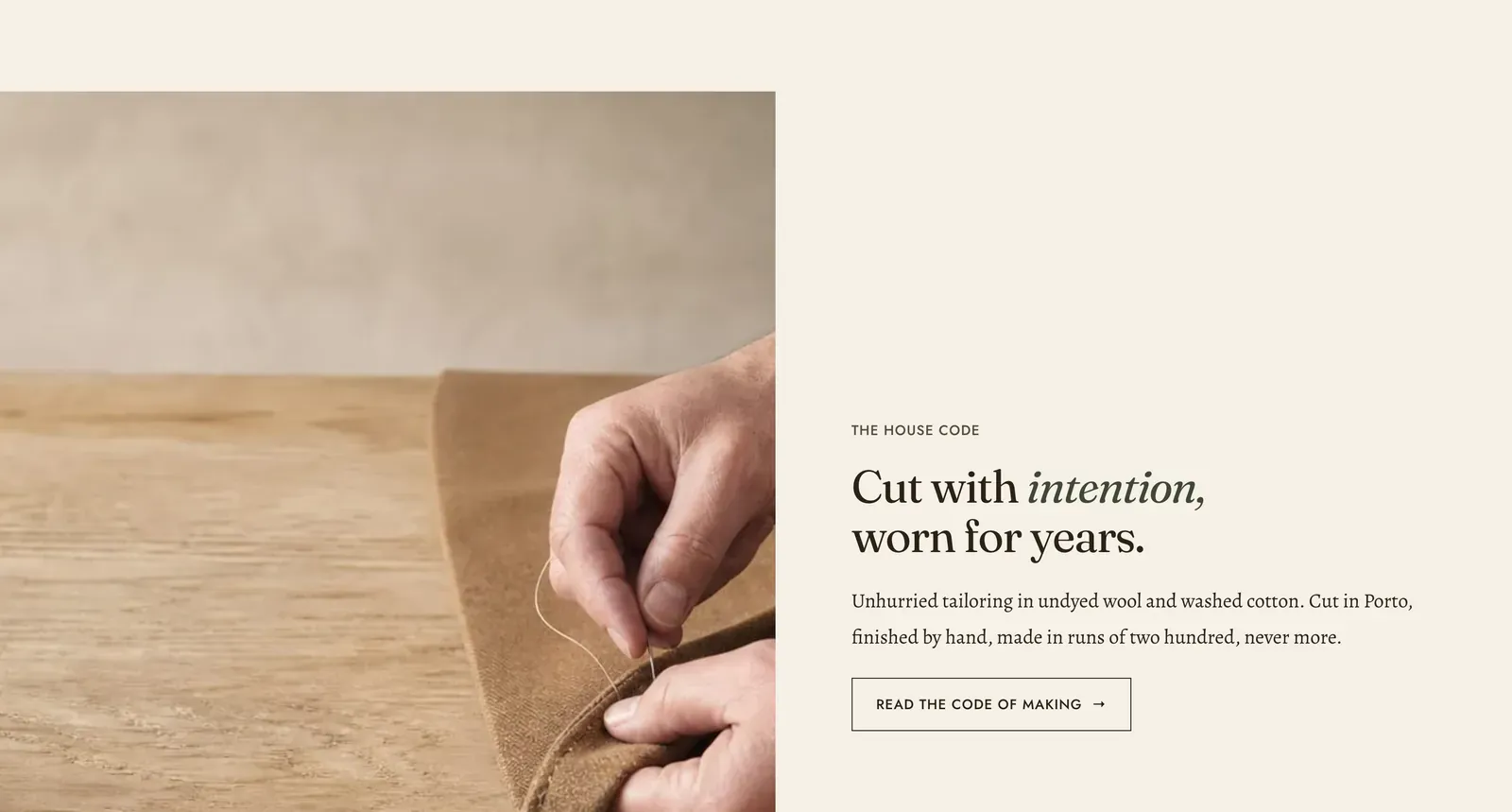
One picture beside one column of copy. The media is a section setting. The copy is built out of content blocks, so the column can be a heading and a button, or a heading, three icon rows and a countdown.
What it does: The workhorse for saying something at length beside a picture. It is the section most About pages, most brand statements and most “how we make it” panels are built from.
Key settings (in the section’s settings):
| Setting | What it does | Default |
|---|---|---|
| Color scheme | Section colors. | scheme-paper |
| Media type | Image or Video. | Image |
| Image | The picture. | Empty |
| Video | A file uploaded to Shopify. | Empty |
| YouTube or Vimeo URL | Or an embed link. | Empty |
| Captions file | A WebVTT (.vtt) file, for a film with sound. | Empty |
| Poster image | The still shown before play. | Empty |
| Ratio | Natural, Square (1 by 1), Portrait (4 by 5), or Landscape (3 by 2). | Portrait |
| Autoplay | Off by default, because the copy beside it is the subject here, not the film. | Off |
| Play as loop | Repeats the film. | On |
| Position | Which side the media sits on. Choose Left or Right. | Left |
| Vertical alignment | Where the copy sits against the picture. Choose Top, Middle, or Bottom. | Middle |
| Width | Contained keeps the section inside the page’s text column. Full width runs it edge to edge. | Full width |
The section also carries a Section spacing group. Pick a Device of Desktop or Mobile, then set Top and Bottom.
Blocks: any of the content blocks. Those are Heading, Text, Icon with text, Image, Video, Button, Group, Countdown, Deal countdown, Trust badges, Testimonial, Divider, Spacer, and Custom Liquid.
As it arrives it carries four: a Text block in the label style, a Heading, a Text block in the intro style, and a secondary Button.
When to use it: Use it wherever a picture needs more than a caption. When the copy should sit over the picture rather than beside it, use Media hero. When there is no picture at all, use Rich text, which takes the same blocks.
Related: Content blocks · Media hero · Rich text · Multicolumn · Lapels support replies within 12 hours.