Media mosaic
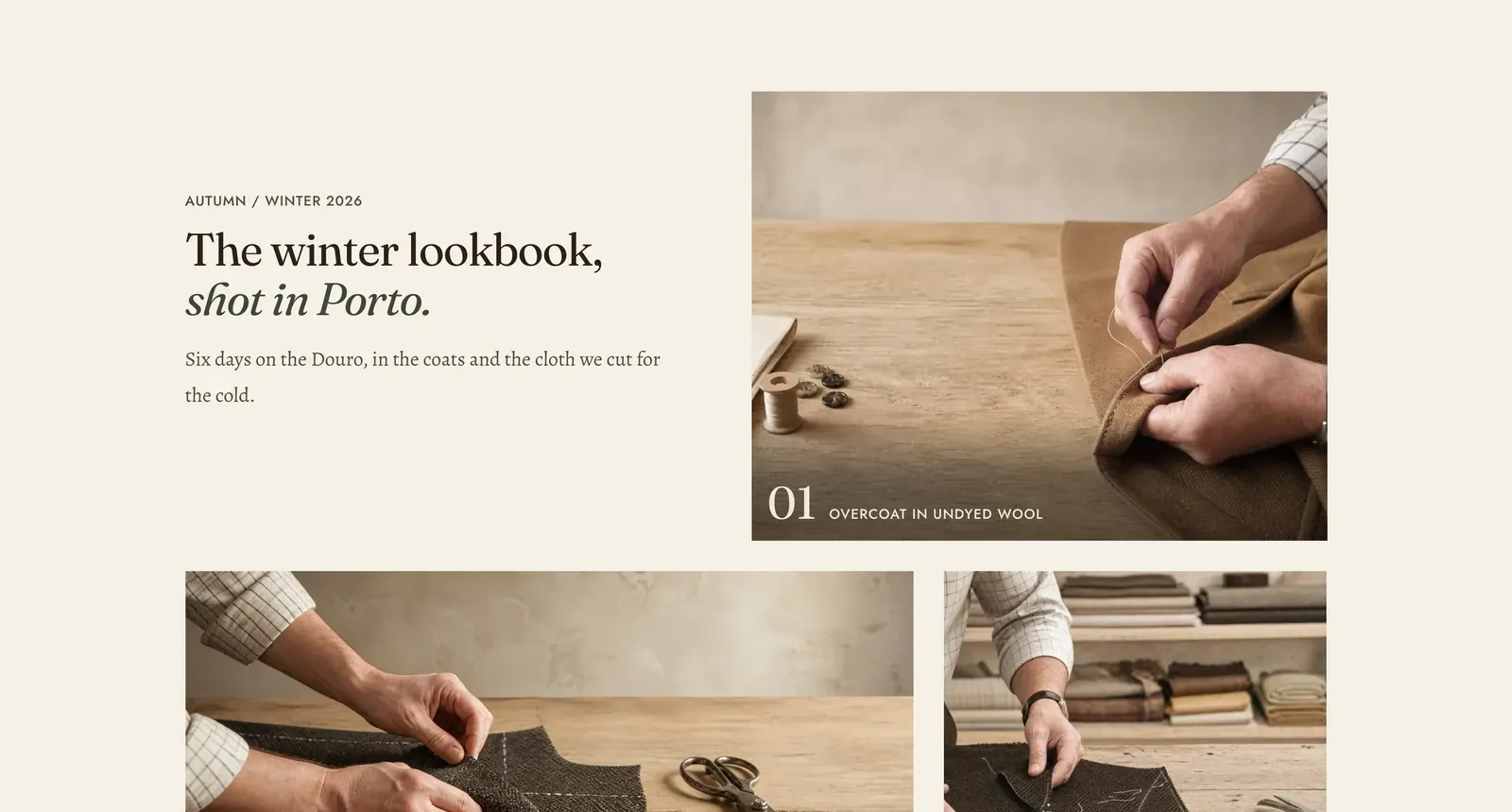
A lookbook laid into a grid where the cells are deliberately not all the same size. Each Image or Video block is one tile, and the section decides how each tile is sized so the arrangement reads as a spread rather than a contact sheet.
What it does: Carries a whole shoot. It suits a season, a campaign, or a story about a place. It is a lot of pictures with a little text, arranged so the eye moves through them in an order.
Key settings (in the section’s settings):
| Setting | What it does | Default |
|---|---|---|
| Color scheme | Section colors. | scheme-paper |
| Heading width | Narrow, Normal, Wide, or Full width. | Wide |
| Heading alignment | Left, center, or right. | Left |
| Subheading | The small label above the heading. | ”Autumn / Winter 2026” |
| Heading | The headline. Italicize a word to set it in the emphasis font. | ”The winter lookbook, shot in Porto.” |
| Intro text | A line under it. | ”Six days on the Douro…” |
| Link and Link label | One link out of the whole spread, set with the copy. | ”See the collection” |
| Layout style | Split sets the copy beside the grid. Stacked puts it above a full-width grid. | Split |
| Layout size | How big the tiles are drawn. Choose Small, Medium, or Large. | Small |
| Overlay strength | How hard each tile is washed so its caption stays readable. Choose None, Soft, Normal, Medium, or Strong. | Soft |
| Show index | Numbers the tiles, 01, 02, 03. | On |
The section also carries a Section spacing group. Pick a Device of Desktop or Mobile, then set Top and Bottom.
Blocks: Image and Video, up to 16 between them, plus a Custom Liquid block that fills a tile.
| Setting | What it does | Default |
|---|---|---|
| Image / Video | The tile’s media. A video tile also takes a YouTube or Vimeo URL, a Captions file and a Poster image. | Empty |
| Caption | The line set over the tile. | Empty |
| Link | Where the tile goes when clicked. Usually the collection it is selling. | Empty |
| Autoplay and Play as loop | Video tiles only. | On, On |
When to use it: Use it for a campaign or a season, once per page. For a short sequence in a single line, use Media row. For frames swiped through one at a time, use Media carousel. To make the photograph itself shoppable, use Shop the look.
Related: Media row · Media carousel · Shop the look · Lapels support replies within 12 hours.