Image comparison
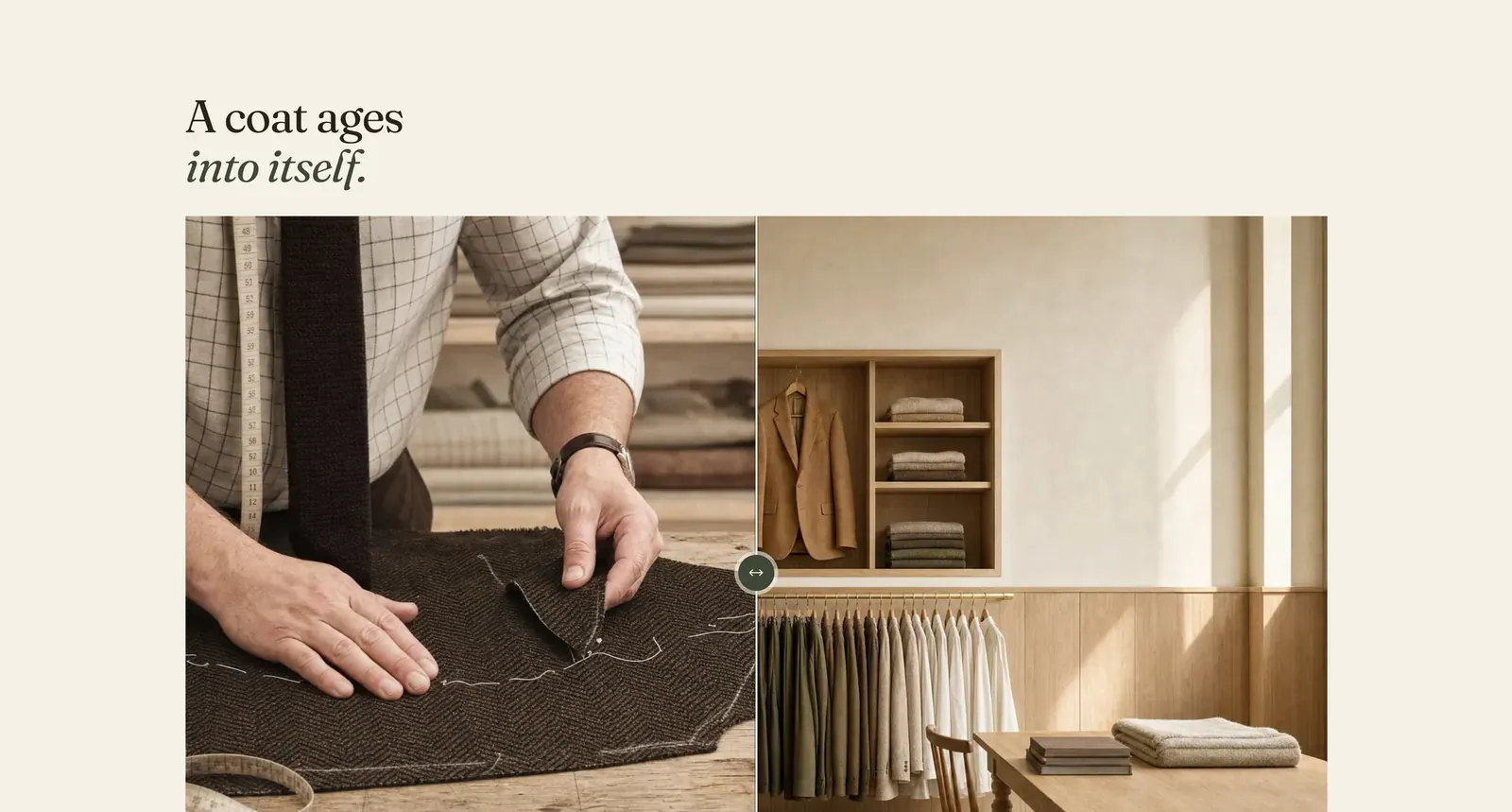
Two pictures in one frame, with a divider the visitor drags across. Whatever is to one side of the handle is the first picture. Whatever is to the other is the second.
What it does: Shows a change that a pair of pictures side by side cannot. Both images occupy the same space, so the eye compares them directly. Use it for how a cloth wears in, what a mend looks like, or the same coat new and at five years.
Key settings (the whole section, as there are no blocks):
| Setting | What it does | Default |
|---|---|---|
| Color scheme | Section colors. | scheme-paper |
| Heading width | Narrow, Normal, Wide, or Full width. | Wide |
| Heading alignment | Left, center, or right. | Left |
| Subheading | An optional small label above the heading. | Empty |
| Heading | The headline. Italicize a word to set it in the emphasis font. | ”A coat ages into itself.” |
| Intro text | An optional line under it. | Empty |
| Before image | The picture revealed on one side of the divider. | Empty |
| After image | The picture on the other. | Empty |
| Before label | The small caption printed on the first picture. | ”Unworn” |
| After label | The caption on the second. | ”Five years on” |
The section also carries a Section spacing group. Pick a Device of Desktop or Mobile, then set Top and Bottom.
When to use it: Use it for wear, repair, care, or a fabric treatment. Anything where the story is a difference. When two pictures are simply two pictures, use Media row or Media mosaic.
Related: Media row · Media mosaic · Image hotspot · Lapels support replies within 12 hours.