Blog posts
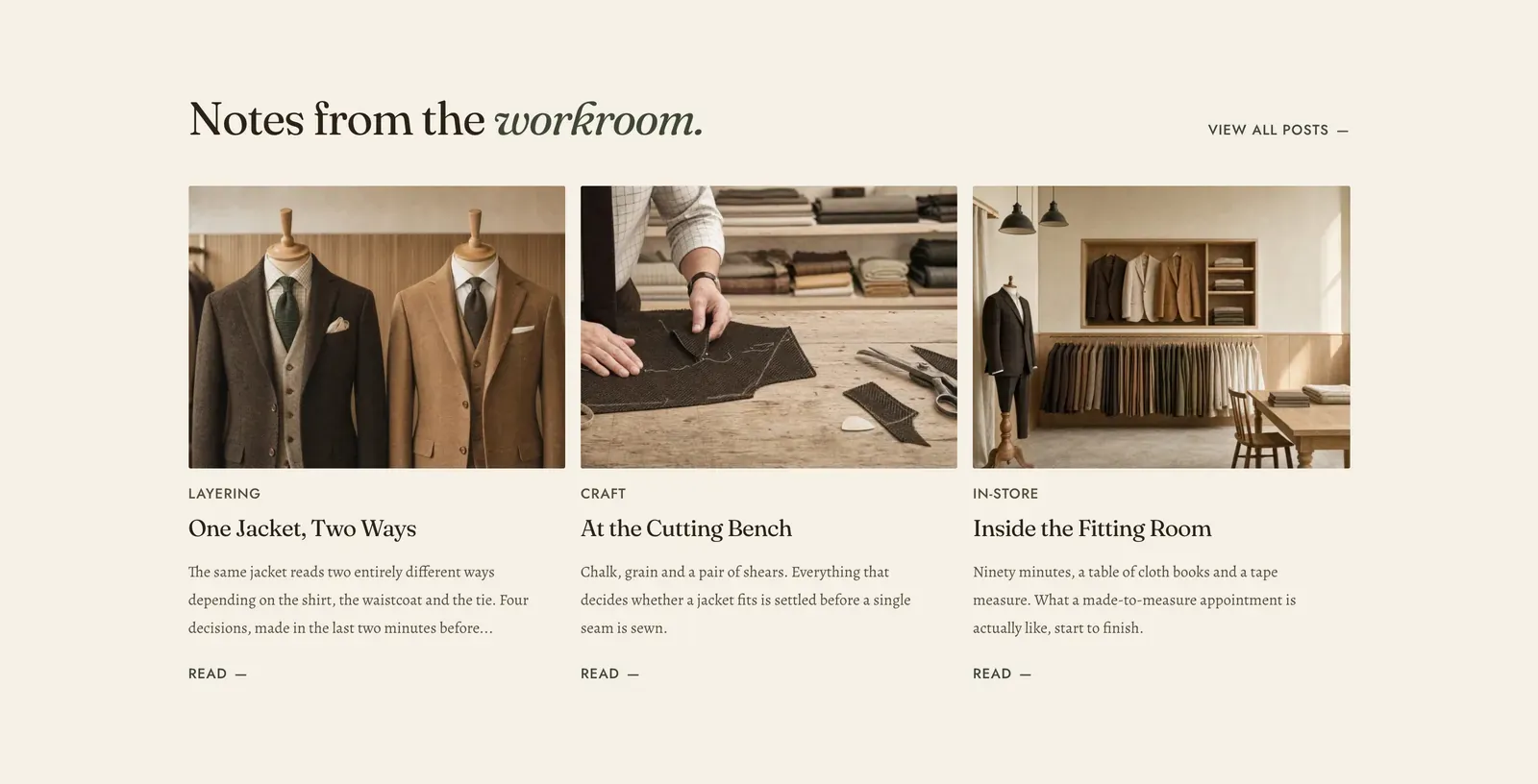
Cards for posts from one of your blogs. By default it takes the most recent ones. Name specific posts instead and it shows exactly those, in the order you list them.
What it does: Puts the writing where the shopping is. A journal nobody links to is a journal nobody reads, and the tag line above each card tells a visitor what kind of post it is before they commit to it.
Key settings (the whole section):
| Setting | What it does | Default |
|---|---|---|
| Color scheme | Section colors. | scheme-paper |
| Blog | Which blog to draw from. | Empty |
| Featured posts | Specific posts, in your own order. Set any and they take the place of the automatic list. | Empty |
| Posts to show | 2 to 8. | 3 |
| Heading width | Narrow, Normal, Wide, or Full width. | Wide |
| Heading alignment | Left, center, or right. | Left |
| Subheading | An optional small label above the heading. | Empty |
| Heading | The headline. Italicize a word to set it in the emphasis font. | ”Notes from the workroom.” |
| Intro text | An optional line under it. | Empty |
| Columns on desktop | 2 to 4. | 3 |
| Show excerpt | The first lines of each post under its title. | On |
| Show date | The publication date. | Off |
The section also carries a Section spacing group. Pick a Device of Desktop or Mobile, then set Top and Bottom.
Blocks: a Custom Liquid block only.
When to use it: Use it on a home page to show the store has a voice, or at the foot of an article. To lay out the blog itself, that is the Blog template, not this section.
Related: Blog and pages · Media mosaic · Rich text · Lapels support replies within 12 hours.