Newsletter
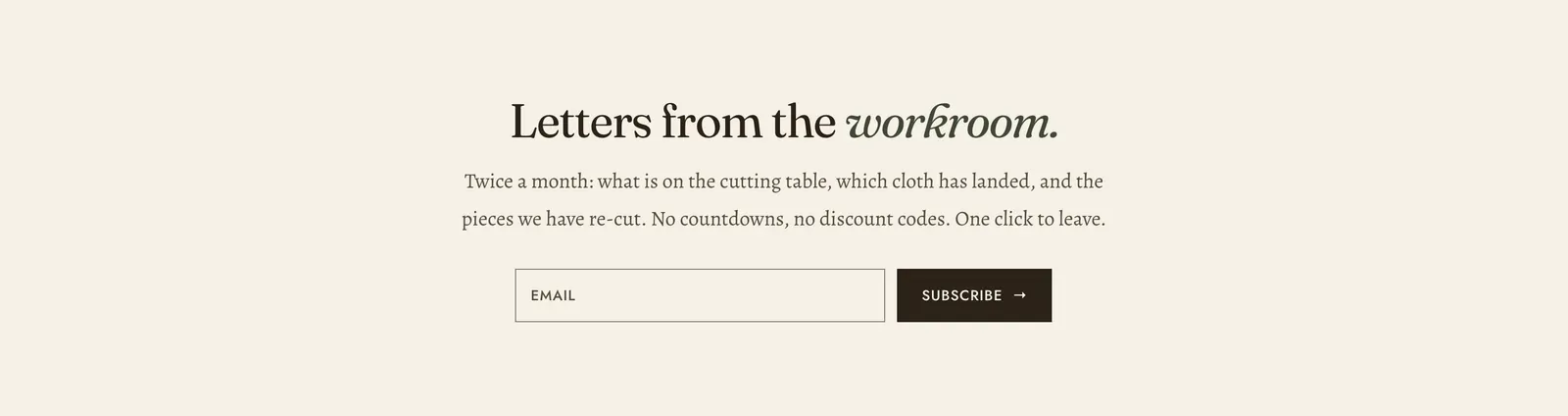
An email sign-up. The address goes straight into your Shopify customer list, tagged as a newsletter subscriber.
What it does: Collects an audience you own. The copy is the whole job. An honest description of what arrives, and how often, is worth more than any incentive.
Key settings (the whole section):
| Setting | What it does | Default |
|---|---|---|
| Color scheme | Section colors. | scheme-paper |
| Layout | Centered sets the form on its own in the middle of the page. Split puts a photograph beside it. | Centered |
| Heading width | Narrow, Normal, Wide, or Full width. | Normal |
| Heading alignment | Left, center, or right. | Center |
| Subheading | An optional small label above the heading. | Empty |
| Heading | The headline. Italicize a word to set it in the emphasis font. | ”Letters from the workroom.” |
| Intro text | What a subscriber is actually agreeing to. | ”Twice a month: what is on the cutting table…” |
| Image | Only the Split layout uses it. | Empty |
The section also carries a Section spacing group. Pick a Device of Desktop or Mobile, then set Top and Bottom.
Blocks: a Custom Liquid block only.
When to use it: Use it once, low on the page. Put it in the footer area of a home page, or at the end of an article. For a sign-up that opens over the page instead, use the Newsletter popup. The Footer also carries a sign-up of its own, and having both on one page is one too many.
Related: Newsletter popup · Footer · Contact form · Lapels support replies within 12 hours.