Text columns
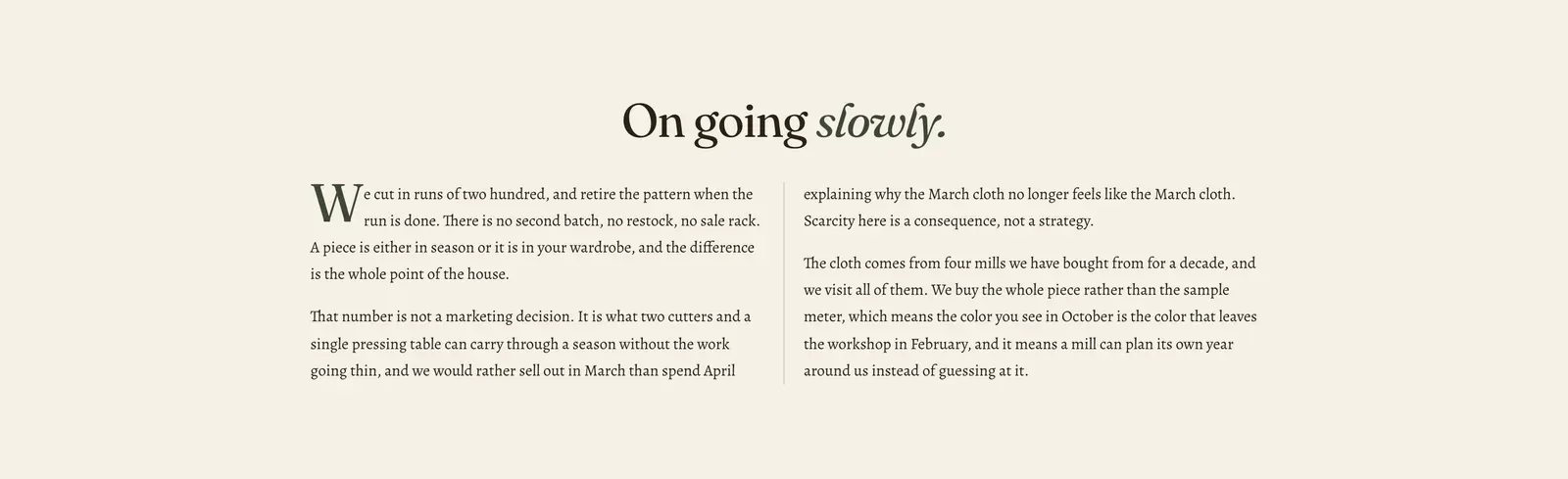
One passage of writing, flowed into columns the way a newspaper sets an article. You write it as a single body of text, and the section breaks it across the columns itself.
What it does: Makes a long passage readable. Prose set at full page width runs to lines nobody wants to read. The same words in two columns look like something worth reading.
Key settings (the whole section, as there are no blocks):
| Setting | What it does | Default |
|---|---|---|
| Color scheme | Section colors. | scheme-paper |
| Heading width | Narrow, Normal, Wide, or Full width. | Wide |
| Heading alignment | Left, center, or right. | Center |
| Subheading | An optional small label above the heading. | Empty |
| Heading | The headline. Italicize a word to set it in the emphasis font. | ”On going slowly.” |
| Intro text | An optional line under it. | Empty |
| Body | The passage itself. Rich text, so paragraphs, bold, italic and links all work. | An essay about runs of two hundred |
| Columns on desktop | 2 to 4. Phones always show one. | 2 |
| Show a drop cap on the first paragraph | Sets the first letter large, as a magazine would. | On |
The section also carries a Section spacing group. Pick a Device of Desktop or Mobile, then set Top and Bottom.
When to use it: Use it for an essay, such as a house story, a note on provenance, or the long half of an About page. For a shorter statement, use Rich text. For copy that has to sit in fixed groups, use Multicolumn.
Related: Rich text · Multicolumn · Text tabs · Lapels support replies within 12 hours.