Image hotspot
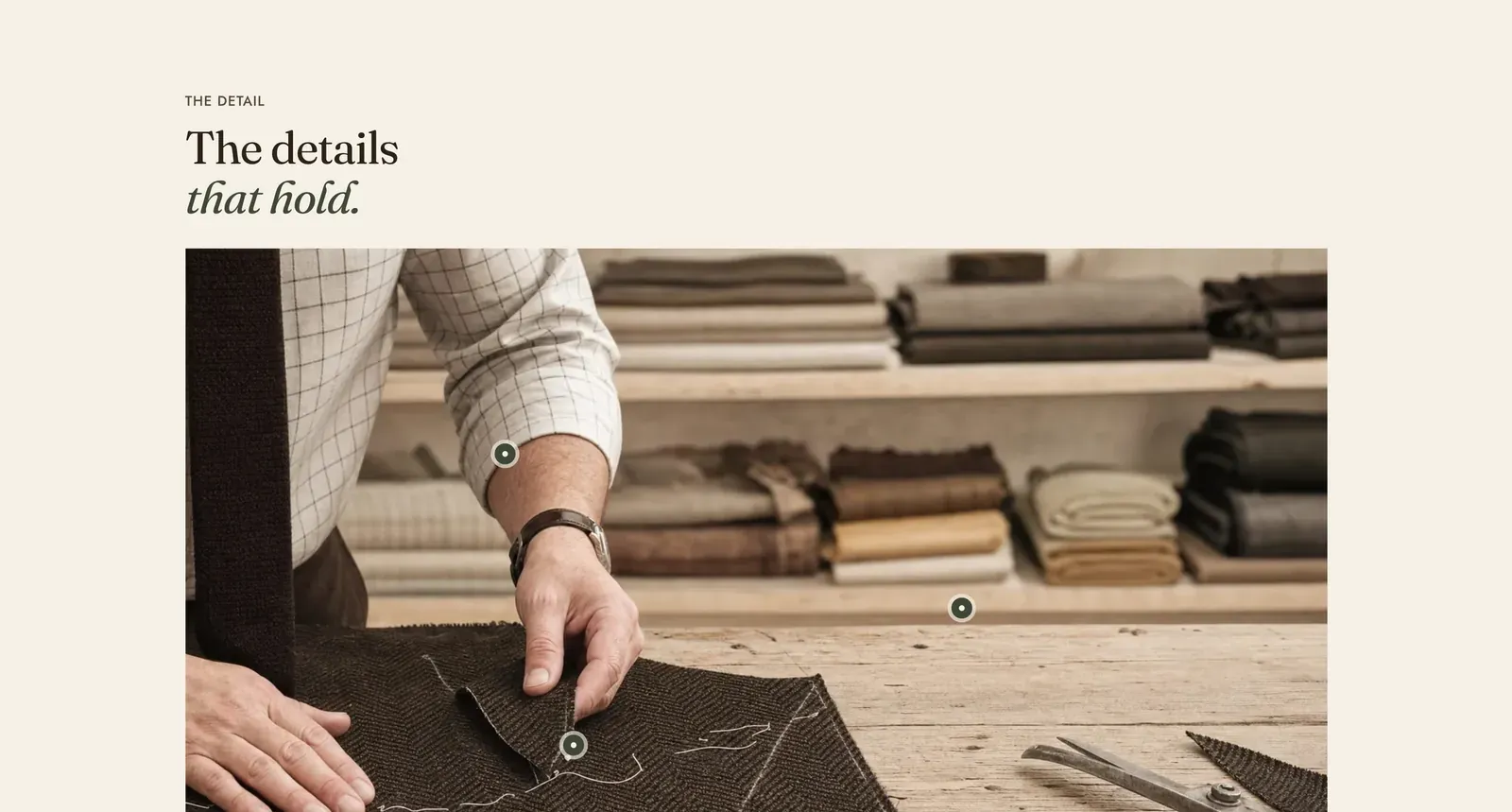
An annotated photograph. Each pin is a small mark on the picture with a short label, naming the detail the eye should find: the seam, the button, the selvage.
What it does: Explains how something is made, on the thing itself. A paragraph about a hand-felled seam is abstract. A mark on the seam with two words beside it is not.
Key settings (in the section’s settings):
| Setting | What it does | Default |
|---|---|---|
| Color scheme | Section colors. | scheme-paper |
| Full width | Runs the photograph edge to edge. | Off |
| Text sits over the image | On, the heading stands on the photograph and the picture is washed for legibility. Off, it sits above. | Off |
| Overlay strength | Soft, Medium, or Strong, for that wash. | Strong |
| Heading width | Narrow, Normal, Wide, or Full width. | Wide |
| Heading alignment | Left, center, or right. | Left |
| Subheading | The small label above the heading. | ”The detail” |
| Heading | The headline. Italicize a word to set it in the emphasis font. | ”The details that hold.” |
| Intro text | An optional paragraph under it. | Empty |
| Image | The photograph. Shoot it close. This section is for detail, and a full-length shot leaves the marks pointing at nothing readable. | Empty |
| Image ratio | Natural, Square (1 by 1), Portrait (3 by 4), or Landscape (4 by 3). | Landscape |
The section also carries a Section spacing group. Pick a Device of Desktop or Mobile, then set Top and Bottom.
Blocks: up to 10, of three kinds.
| Block | What it marks | Settings |
|---|---|---|
| Text pin | A detail that is not for sale, such as a seam, a finish or a fabric. | Label, Horizontal position, Vertical position |
| Product pin | A product visible in the picture. | Product, Horizontal position, Vertical position |
| Collection pin | A whole department the detail belongs to. | Collection, Horizontal position, Vertical position |
Horizontal position runs from 0 at the left edge to 100 at the right. Vertical position runs from 0 at the top to 100 at the bottom. Both start at the center, so a new pin always appears somewhere visible. You then move it by adjusting the two numbers.
When to use it: Use it on a product page, an About page, or a craft story. Anywhere the making is the argument. When the marks point at pieces of an outfit to be bought, use Shop the look.
Related: Shop the look · Image comparison · Flip cards · Lapels support replies within 12 hours.