Pricing table
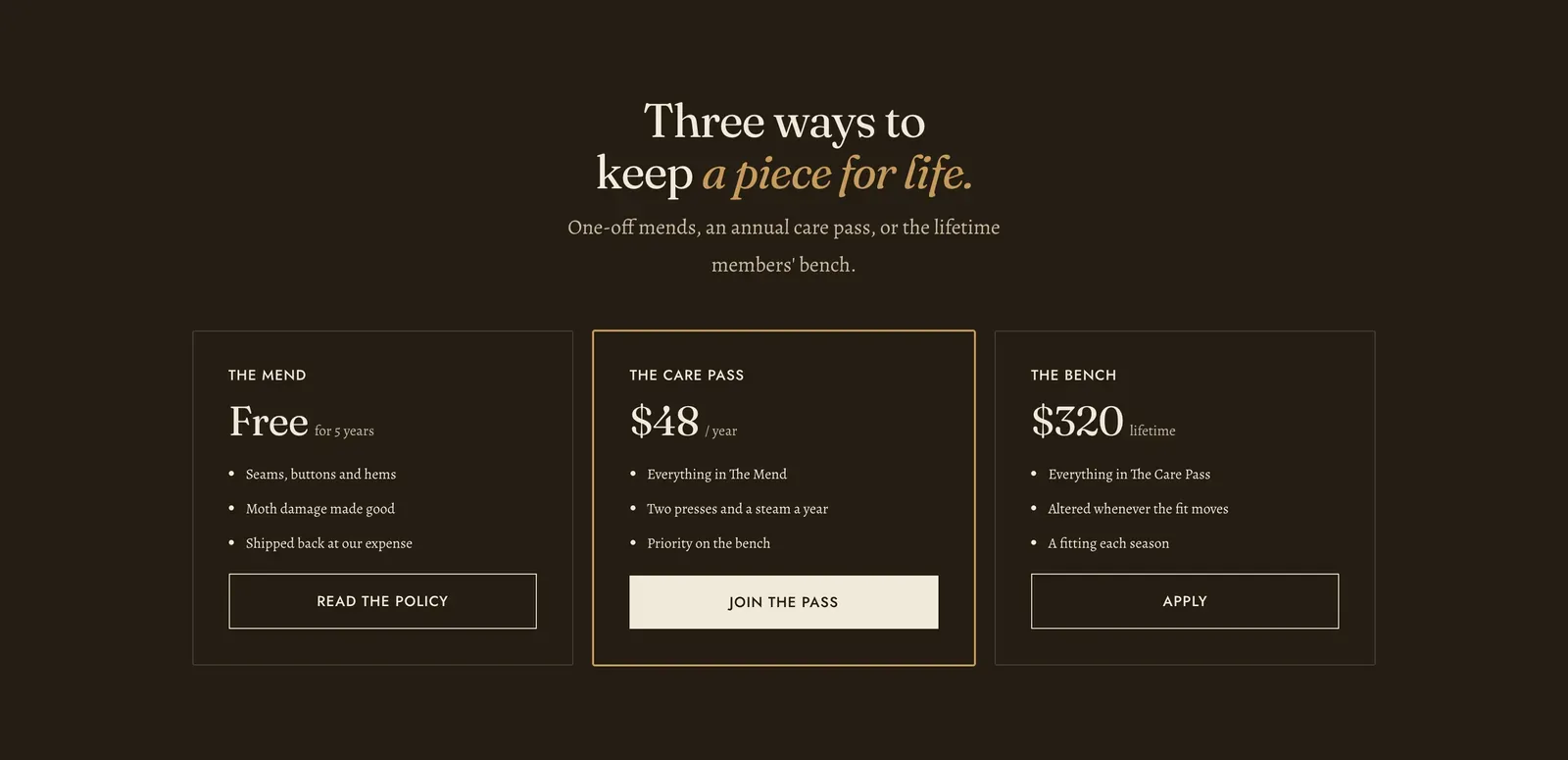
Plans side by side. Each Plan block is one column, holding a name, a price, a list of what it includes, and a button.
What it does: Sets out the tiers of a service, such as a repairs policy, a membership or a care program, so they can be compared in one look rather than read one after another.
Key settings (in the section’s settings):
| Setting | What it does | Default |
|---|---|---|
| Color scheme | Section colors. It arrives dark, which is what makes the panels read as a considered offer rather than as page content. | scheme-night |
| Heading width | Narrow, Normal, Wide, or Full width. | Wide |
| Heading alignment | Left, center, or right. | Center |
| Subheading | An optional small label above the heading. | Empty |
| Heading | The headline. Italicize a word to set it in the emphasis font. | ”Three ways to keep a piece for life.” |
| Intro text | A line under it. | ”One-off mends, an annual care pass, or the lifetime members’ bench.” |
The section also carries a Section spacing group. Pick a Device of Desktop or Mobile, then set Top and Bottom.
Blocks: Plan, up to 4.
| Setting | What it does | Default |
|---|---|---|
| Plan name | The tier’s name. | ”The Mend” |
| Price | Plain text, so “Free”, “$48” and “From $320” all work. | ”Free” |
| Price note | The small print beside the price, such as ”/ year”, “for 5 years” or “lifetime”. | “for 5 years” |
| Features | What the tier includes. Written as a rich-text list, one item per line. | A list of seams, buttons and hems |
| Button label and Button link | Where the tier is taken up. | ”Read the policy” |
| Highlight plan | Draws one column out from the others. Use it for the tier you want chosen. | Off |
When to use it: Use it on a services, repairs or membership page. For a comparison of things rather than tiers, use Spec table. For actual products side by side, use Product comparison.
Related: Spec table · Product comparison · Icon list · Lapels support replies within 12 hours.