Slideshow tabs
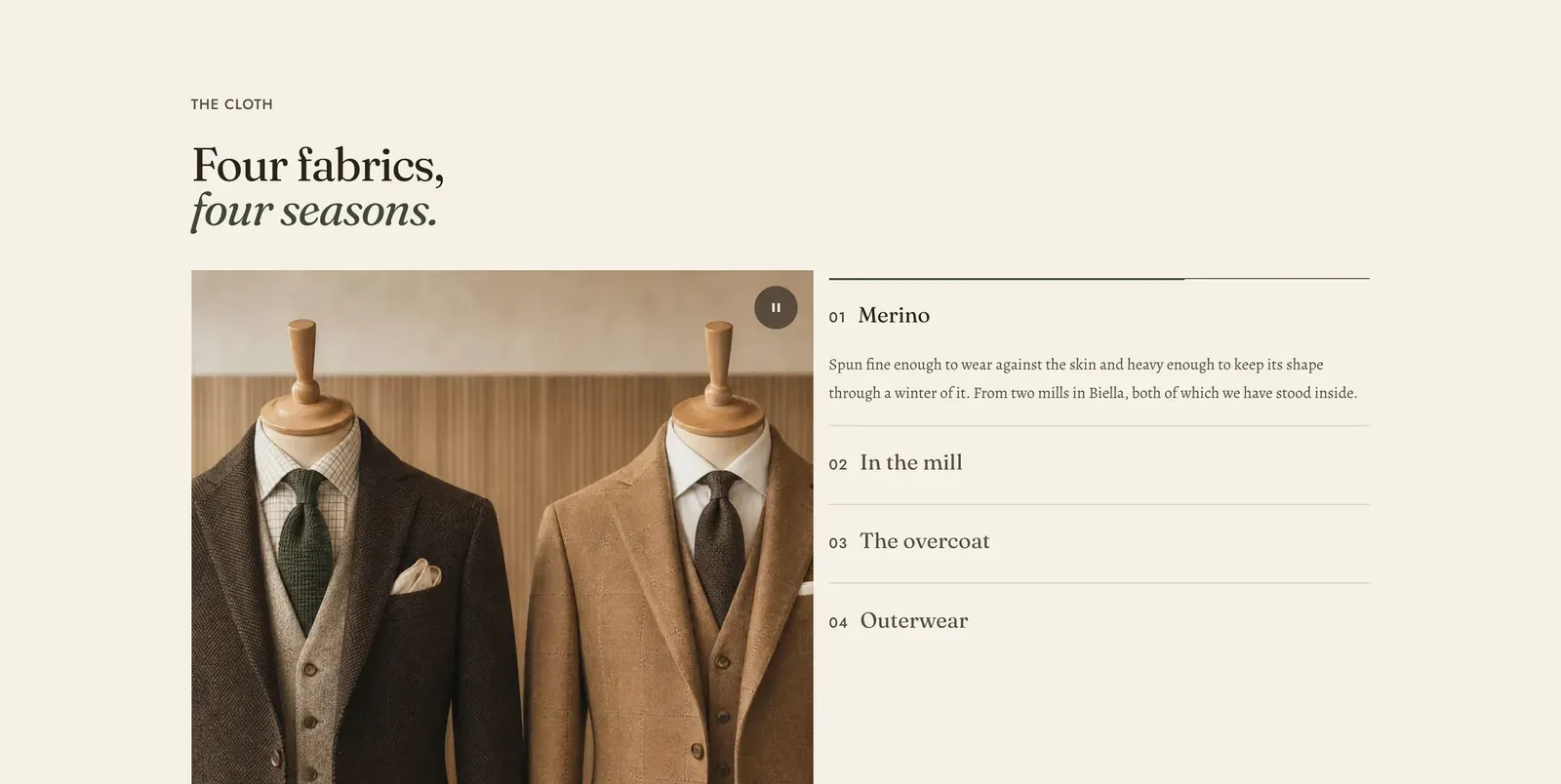
A picture on one side and a numbered list of headings on the other. The open entry shows its own paragraph and its own picture. The rest are collapsed to their titles, and the section advances through them on its own.
What it does: Explains four things in the space of one, in order, with a picture for each. It is a slideshow whose controls are the headings themselves, so a visitor can see everything the section covers before choosing.
Key settings (in the section’s settings):
| Setting | What it does | Default |
|---|---|---|
| Color scheme | Section colors. | scheme-paper |
| Heading width | Narrow, Normal, Wide, or Full width. | Wide |
| Heading alignment | Left, center, or right. | Left |
| Subheading | The small label above the heading. | ”The cloth” |
| Heading | The headline. Italicize a word to set it in the emphasis font. | ”Four fabrics, four seasons.” |
| Intro text | An optional line under it. | Empty |
| Image position | Left or Right. | Left |
| Image ratio | Wide (16 by 9), Landscape (3 by 2), or Square (1 by 1). | Square |
| Autoplay | Advances through the entries on its own. | On |
| Rotation speed | How long each entry holds, 3 to 12 seconds. | 5s |
The section also carries a Section spacing group. Pick a Device of Desktop or Mobile, then set Top and Bottom.
Blocks: up to 5, of four kinds.
| Block | What it shows | Settings |
|---|---|---|
| Image slide | A photograph beside the copy. | Image, Heading, Body, Link, Link label |
| Video slide | A film instead. | Video, Poster image, Heading, Body, Link, Link label |
| Product slide | A real product, with its picture, price and a buy control. | Product, Image, Color scheme, Heading, Body, Show quick view button |
| Collection slide | A collection, with its image and a way in. | Collection, Image, Color scheme, Heading, Body, Show shop the collection button |
On a Product slide and a Collection slide, Image overrides the picture the product or collection already carries, and Color scheme colors the small chip drawn over it. Show quick view button opens the product in a panel without leaving the page. Show shop the collection button links through to the collection. Both ship on.
Entries are numbered in block order, so reordering them renumbers the list.
When to use it: Use it for a fixed set of things that each need a sentence and a picture, such as fabrics, services or steps. For full-bleed slides with no list beside them, use Slideshow. For long reference copy behind tabs, use Text tabs.
Related: Slideshow · Text tabs · Tabs banner · Timeline · Lapels support replies within 12 hours.