Lapels Documentation
Lapels is a quiet, editorial Shopify theme for men’s clothing and menswear. It is built on warm paper grounds, espresso ink, hairline rules, and a mono typeface for labels and small print.
This documentation follows the order of the Shopify theme editor. Global Theme settings come first. Then the Header & footer, the Popups & drawers that sit over every page, the page Templates, the Sections you add to them, the Menswear guide for clothing stores, and a Reference group for languages, performance, and support.
Three presets
Section titled “Three presets”You choose a preset when you add the theme. It is the only decision you make before the theme is on your store.
A preset is a starting set of color schemes, fonts, and corner shapes, plus a starting homepage. All of those are ordinary theme settings, and you can change any of them later. A preset does not lock the theme to one kind of store. Every feature in this documentation ships in all three.
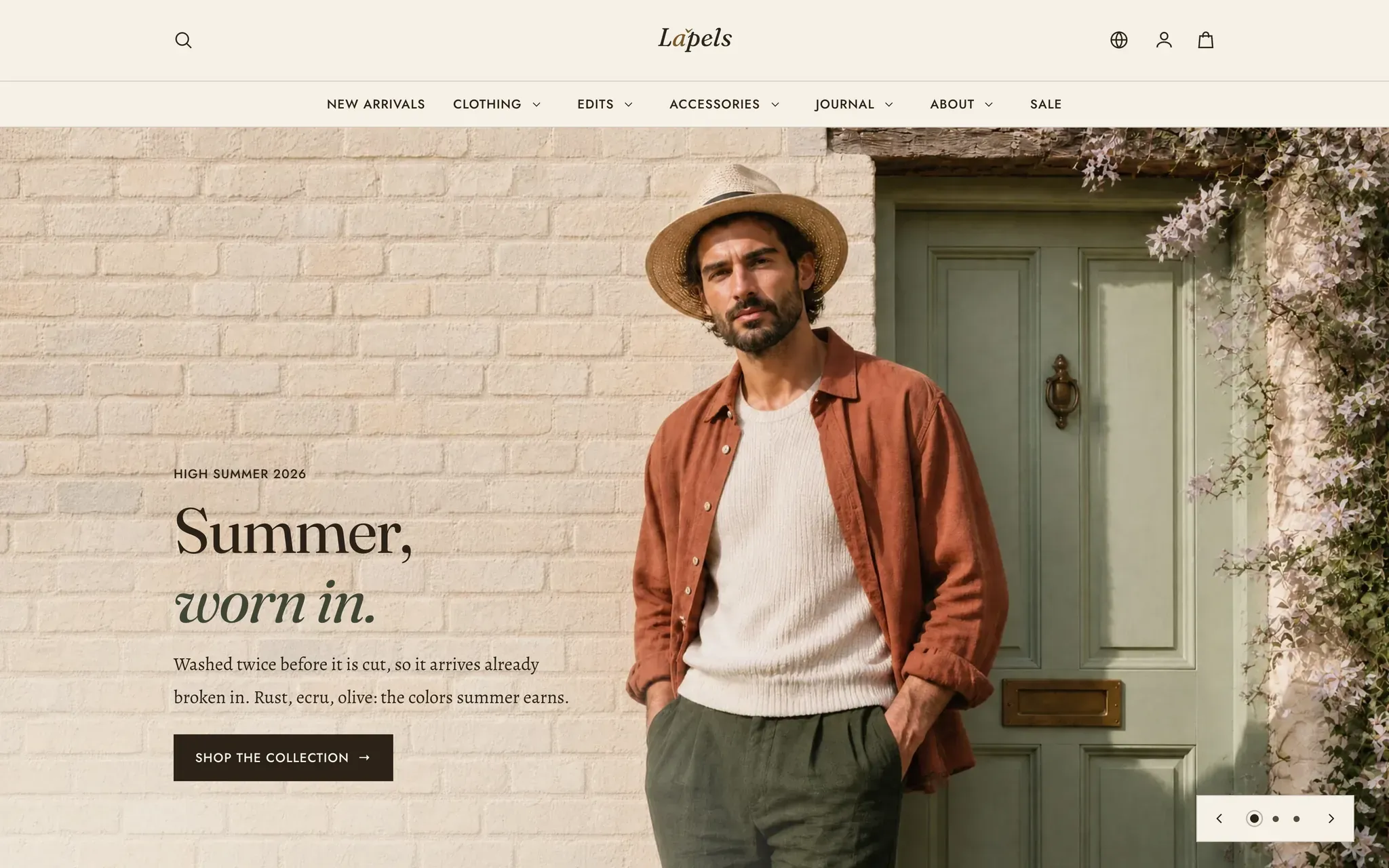
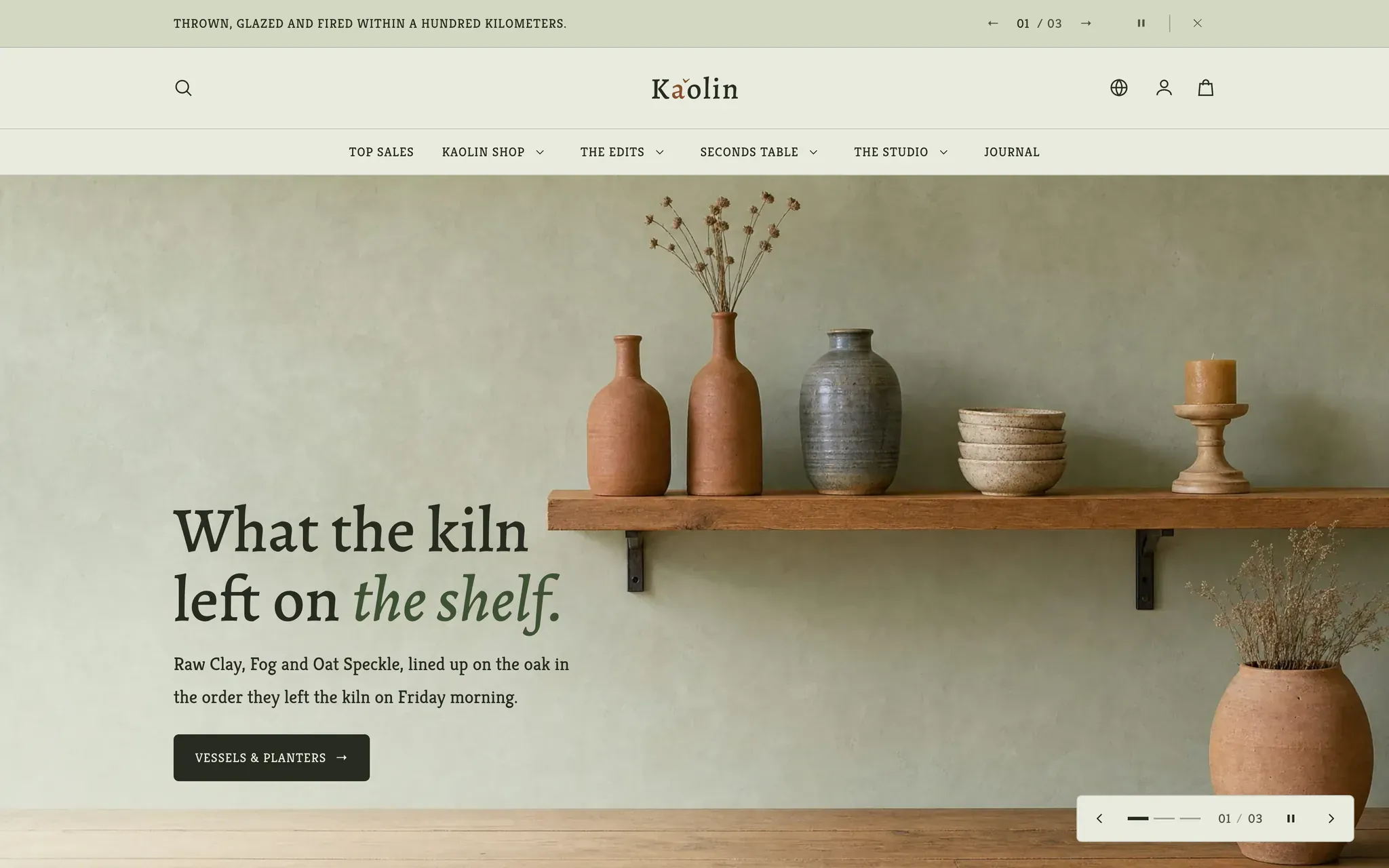
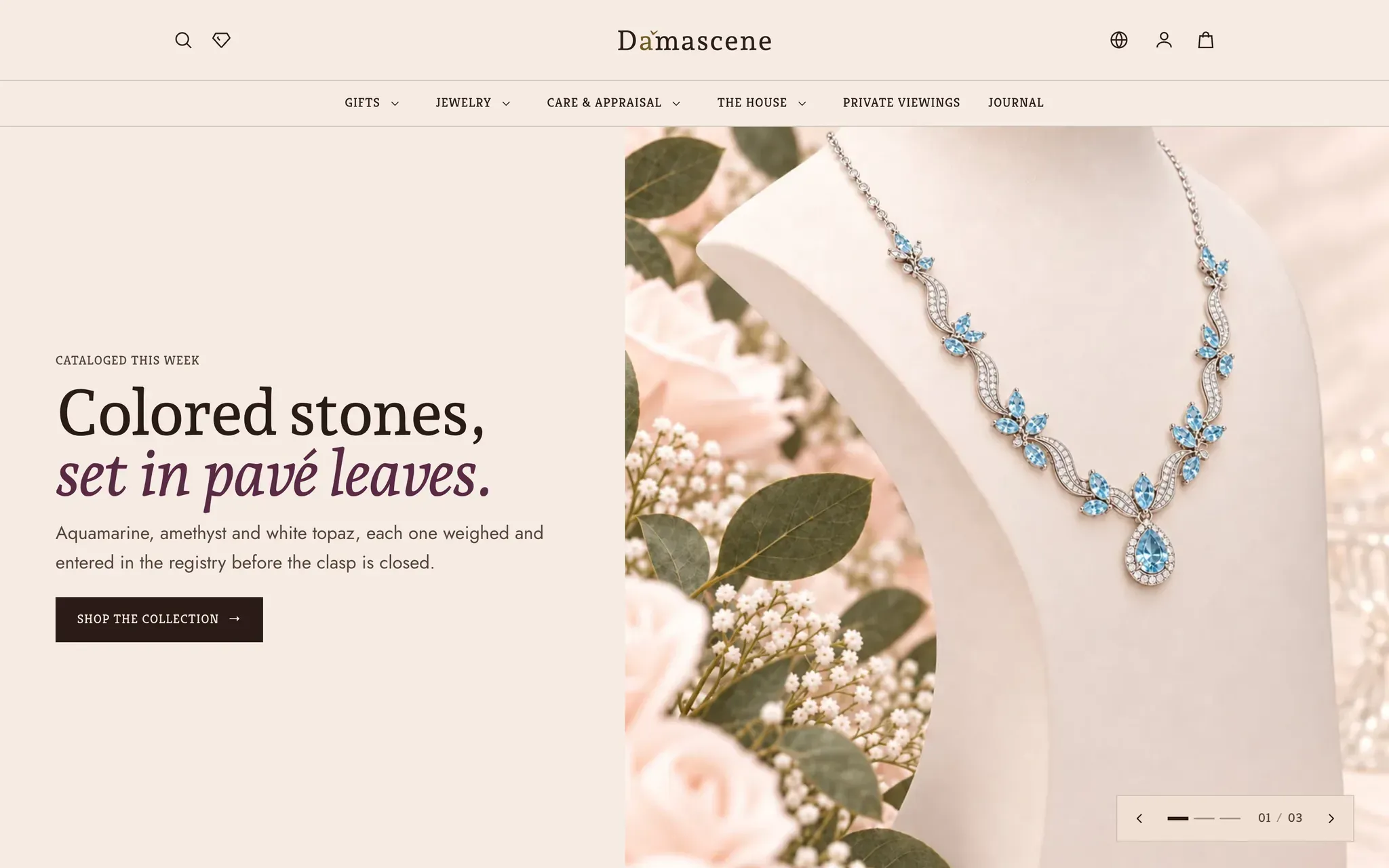
Lapels is the default, and every screenshot in this documentation shows it. Open a card to see that preset’s palette, type specimen, and screens. To change presets later, see the FAQ.
Get started
Section titled “Get started”- Install & update. Add Lapels from the Theme Store, and move to newer versions.
- Setup guide. First-time setup in the recommended order, and a go-live checklist.
Configure the theme
Section titled “Configure the theme”- Theme settings. The global panel: brand, colors and color schemes, typography, layout, buttons and corners, product cards, navigation, cart, search and filters, motion, modals, currency, and social links.
- Header · Navigation menus · Announcement bar · Footer. The chrome on every page.
- Cart drawer · Search drawer · Quick view · Newsletter popup · Age verification · Mobile navigation bar. The overlays that sit above the page.
Build your pages
Section titled “Build your pages”- Homepage. Assemble the home template from sections.
- Product pages · Collection & search · Cart · Blog & pages · Customer accounts · 404 & password.
- Sections. Every section you can add, in the same eleven groups the Add section picker uses: Hero, Banners, Collections, Products, Gallery, Hotspot, Layout, Promotions, Storytelling, Tables, and Testimonials.
- Content blocks. The shared heading, text, button, image, video and group blocks you stack inside Media hero, Image with text, Rich text and your page templates.
Reference & help
Section titled “Reference & help”- Translations & internationalization · Supported languages. The 13 bundled translations, editing text, and right-to-left support.
- Performance & accessibility. How Lapels stays fast and accessible (WCAG 2.1 AA).
- Troubleshooting · FAQ · Support policy · Changelog.
Need help?
Section titled “Need help?”Couldn’t find your answer? Contact Lapels support. We are available 24/7 and usually reply within 12 hours.